![GRABWEB [India]](/templates/lagom2/assets/img/logo/logo_big.454175622.gif "GRABWEB [India]")
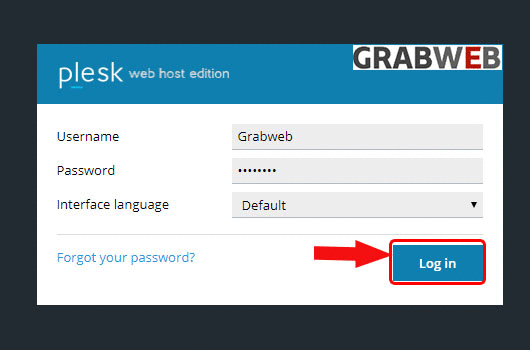
1. Login into Plesk Panel.
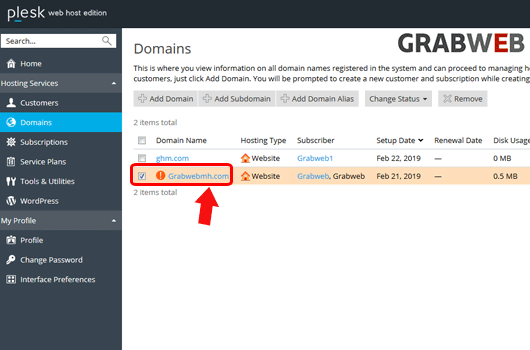
2. Select the "Domains" tab at left side of the screen as marked in the image.

3. Select the "Suspended Domain" as marked in the image.
4. Select the "Change status" as marked in the image.

5. Click on the "Activate" option as marked in the image.

6. As you can see the information in green colour that Domain activated successfully .

