![GRABWEB [India]](/templates/lagom2/assets/img/logo/logo_big.454175622.gif "GRABWEB [India]")
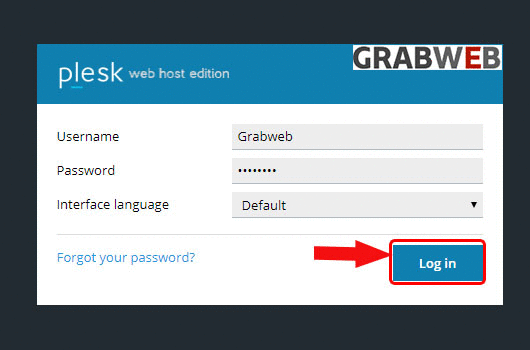
1. Login into Plesk Panel.
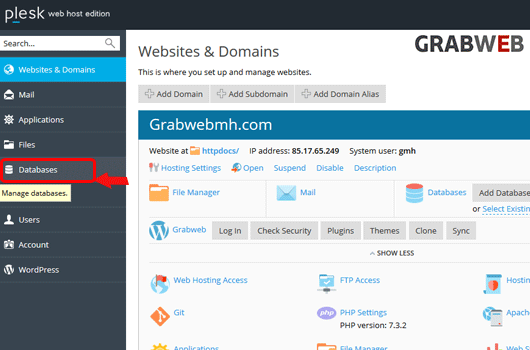
2. click on the "Databases" tab at the left side of the screen as marked in the image.
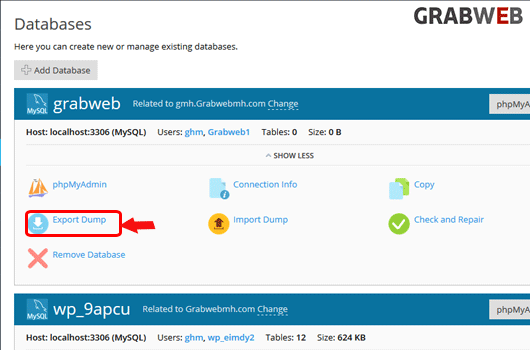
3. Click on the "Export Dump" button as marked in the image.
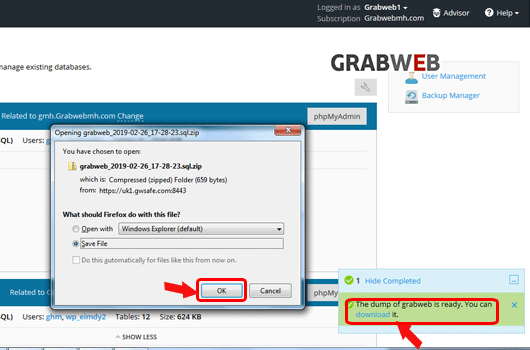
4. Select the download location as marked in the image.
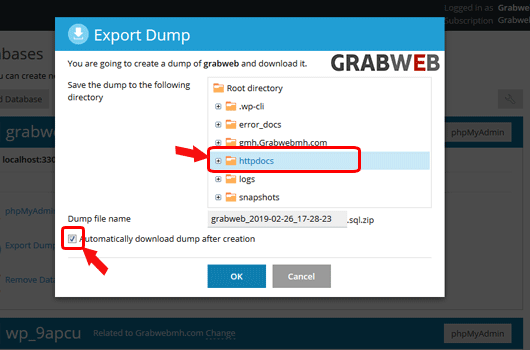
5. Click "Ok" to save.
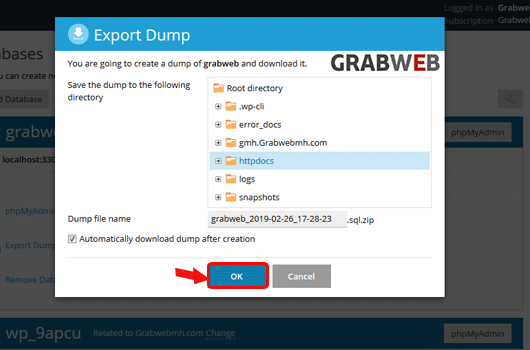
6. Select the save button to download the Database in the local system as marked in the image.