![GRABWEB [India]](/templates/lagom2/assets/img/logo/logo_big.1492388305.svg "GRABWEB [India]")
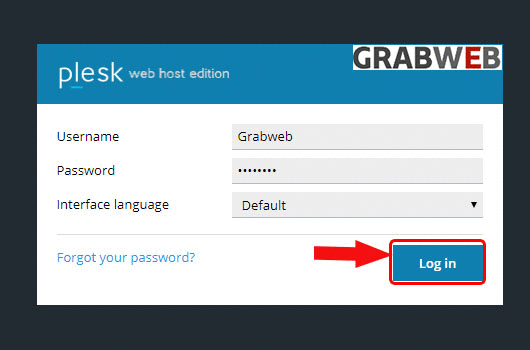
- Login into Plesk Panel.
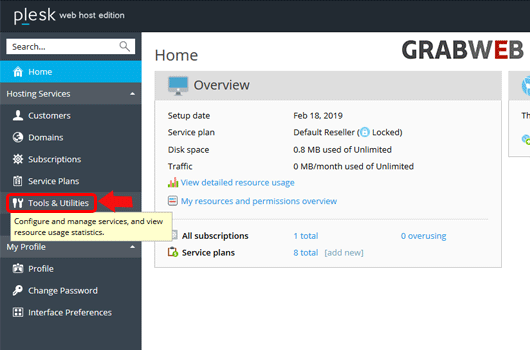
2. Click on the "Tools & Utilities" button on the left side of the screen as marked in the image.
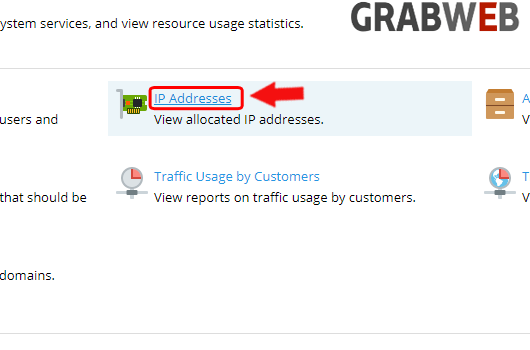
3. Select the "IP Addresses" button at the right side of the screen as marked in the image.
4. Check all the IP Addresses of the Server.
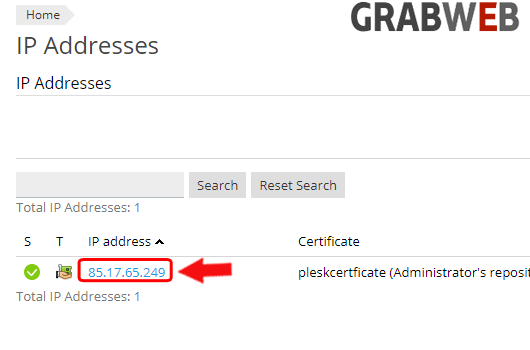
5. Click on "Hosting Numbers" to view total Websites working on that IP Addresses as marked in the image.
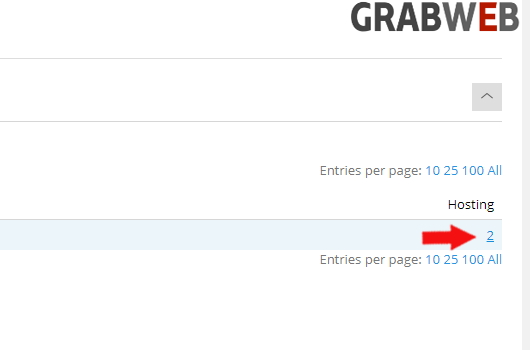
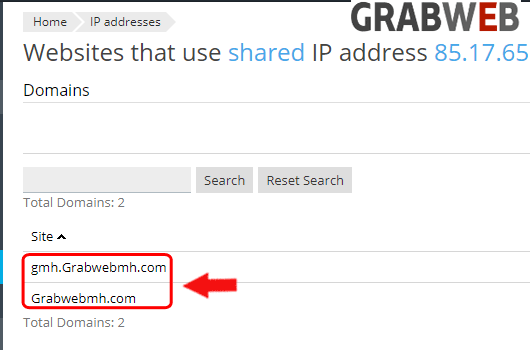
6. Here you can see total number of website assigned to a single ip address.