![GRABWEB [India]](/templates/lagom2/assets/img/logo/logo_big.1492388305.svg "GRABWEB [India]")
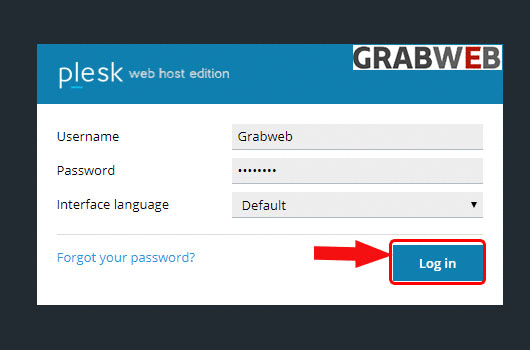
- Login into Plesk Panel.
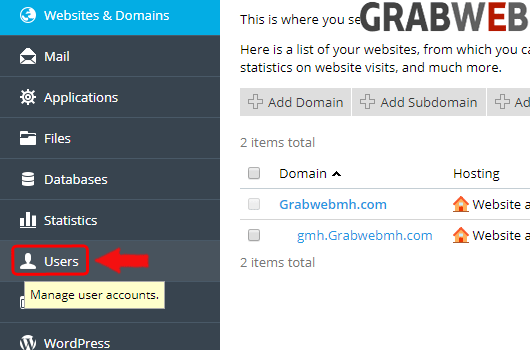
2. Click on the "Users" tab at the left side of the screen as marked in the image.
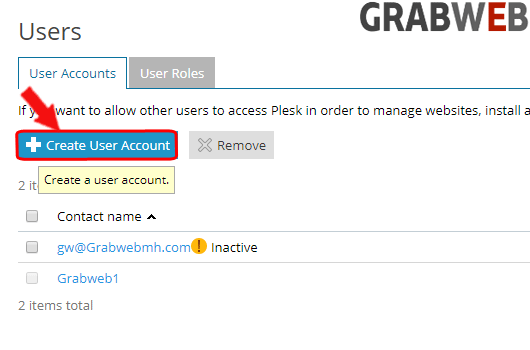
3. Click on the "Create user account" button as marked in the image.
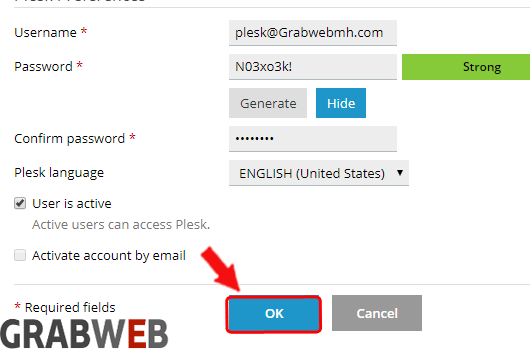
4. Enter the detail(Username and password) as per your requirement as marked in the image.
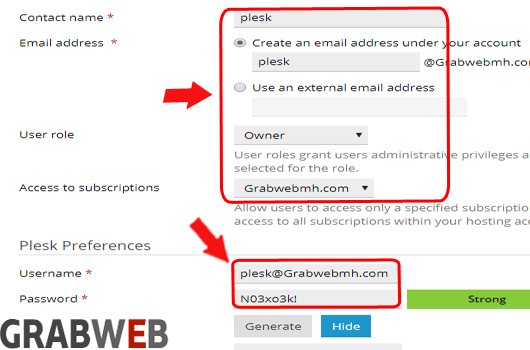
5. Click on "Ok" to create the user.