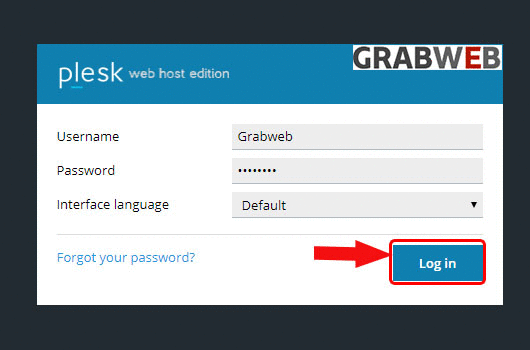
1. Login into Plesk Panel.
2. Click on the "Subscriptions" button on the left side of the screen as marked in the image.

3. Click the "Subscriptions Name" as marked in the image.

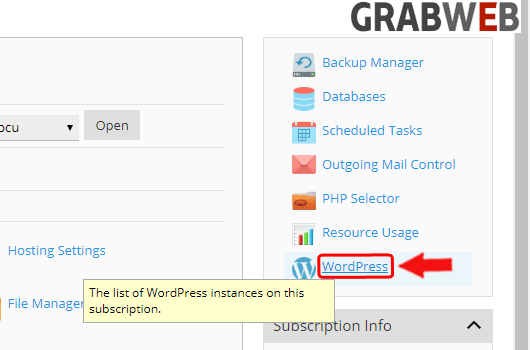
4. Select the "WordPress" tab at the right side of the screen as marked in the image.
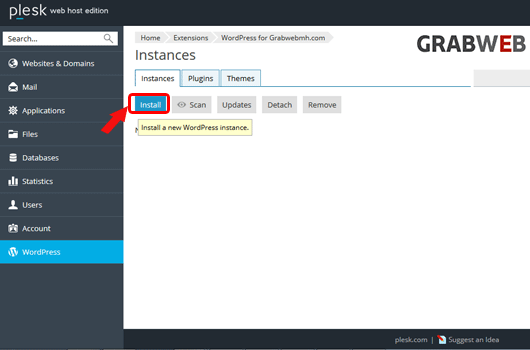
5. Click on the "Install" as marked in the image.
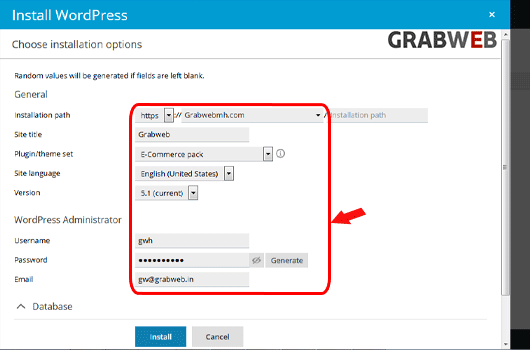
6. Enter the information(location, username, password, db and db username) as marked in the image
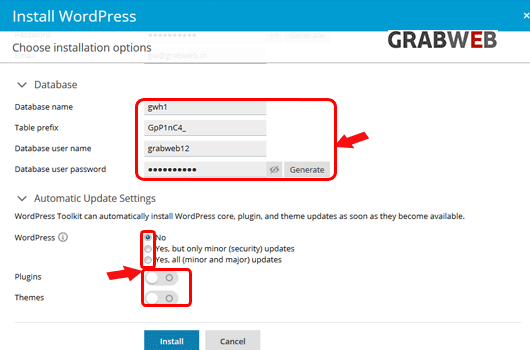
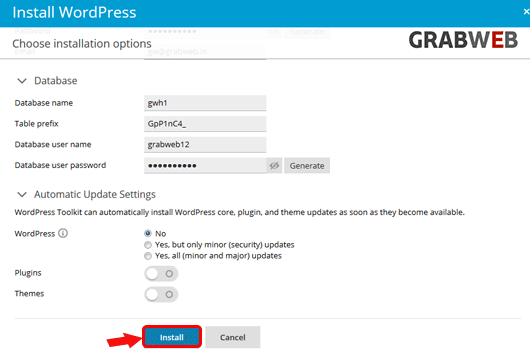
7. Click on the "Install" button as marked in the image.
8. Wordpress installation successfully completed as marked in the image.
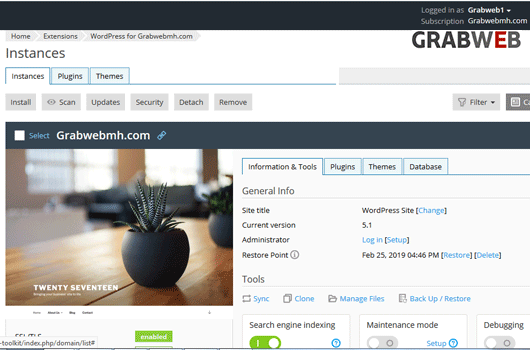
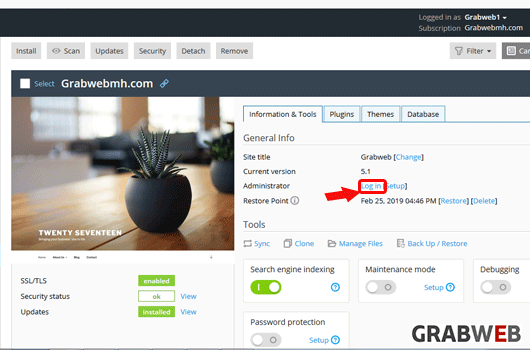
9. Click on the "login" button to directly login in the Admin Panel of WordPress.
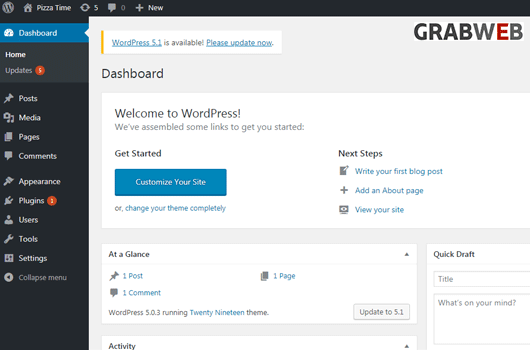
10. Below is the admin dashboard in the image.