![GRABWEB [India]](/templates/lagom2/assets/img/logo/logo_big.454175622.gif "GRABWEB [India]")
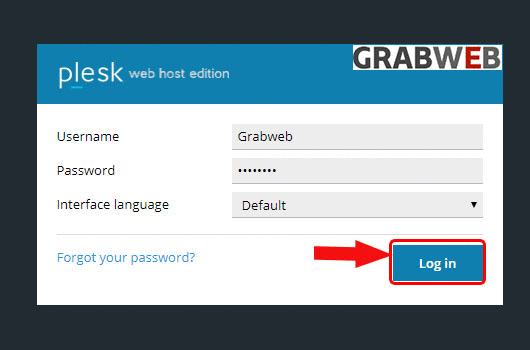
1. Login into Plesk Panel.
2. Click on the "Subscriptions" button on the left side of the screen as marked in the image.

3. Click the "Subscriptions Name" as marked in the image.

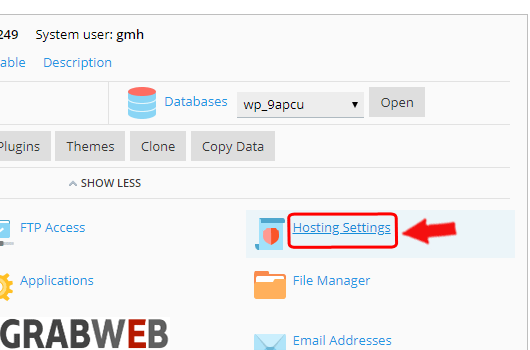
4. Click on the "Hosting settings" button as marked in the image.
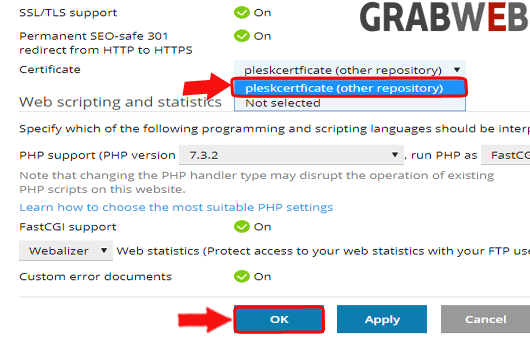
5. Click on Certificate dropdown and select the certificate which you want to apply. Click on the "Ok" to save the settings.