![GRABWEB [India]](/templates/lagom2/assets/img/logo/logo_big.1492388305.svg "GRABWEB [India]")
To make the changes in the DNS, please follow the following steps :-
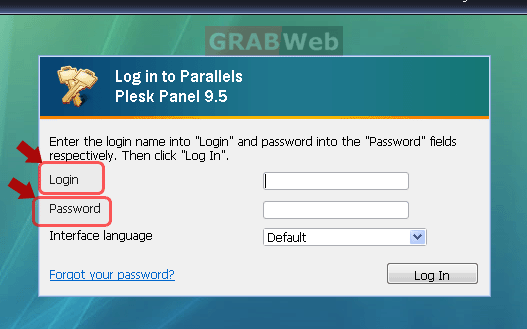
1) Login to your Plesk control panel.
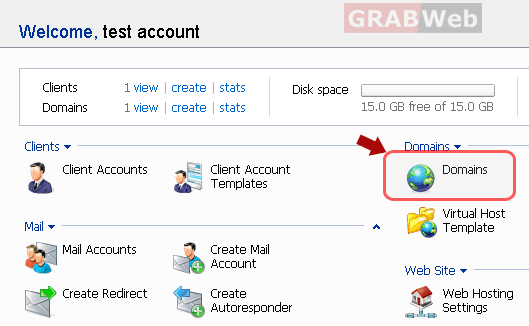
2) Click the "Domains" shortcut in the navigation panel.
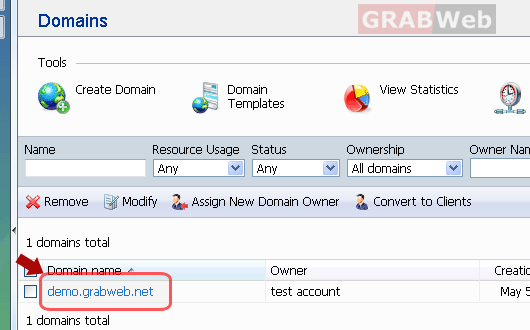
3) Click the required domain name in the list.
4) Click on "DNS settings".
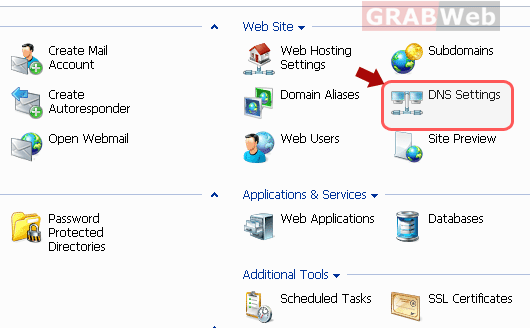
5) You can make the changes according to your requirement for your domain name
in this panel. Click on the Host record which you want to change.
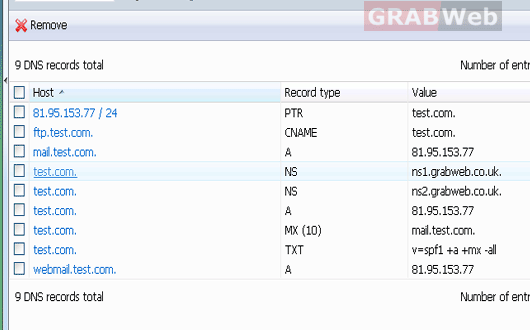
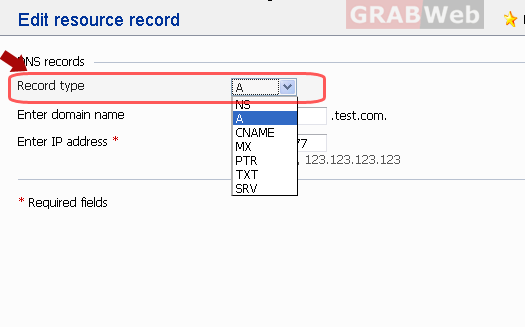
6) The settings window will open for that record.You may make the required changes in that
window and make sure you click on "OK" once you have made the required changes.