![GRABWEB [India]](/templates/lagom2/assets/img/logo/logo_big.454175622.gif "GRABWEB [India]")
To How to update & change contact information ( Profile ) in Reseller Account, Please follow the following steps :-
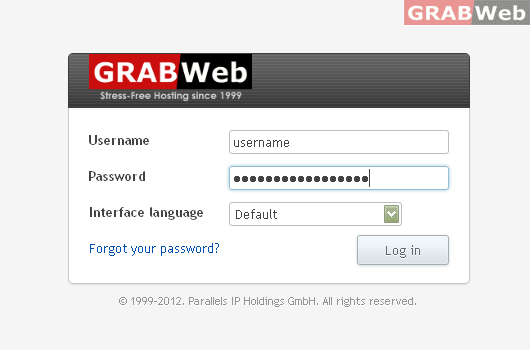
1) Login to Plesk control panel.
2) Click on "Interface Preferences"
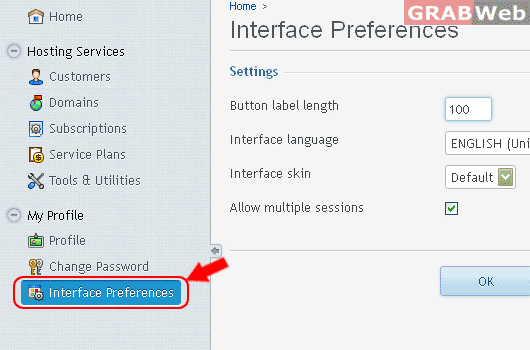
3) Change required detail as required by you.

3) click on "OK"
Information: The changes made to your account settings were saved.
