![GRABWEB [India]](/templates/lagom2/assets/img/logo/logo_big.454175622.gif "GRABWEB [India]")
To suspend an emails fo a specific email account, please follow the following steps :-
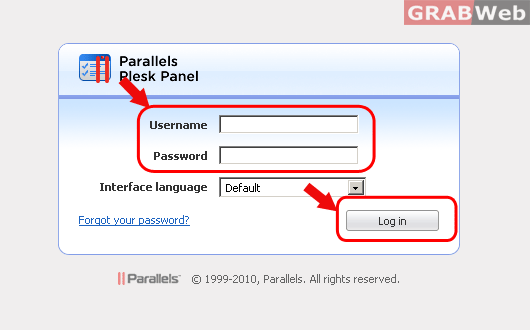
1) Login to Plesk control panel.
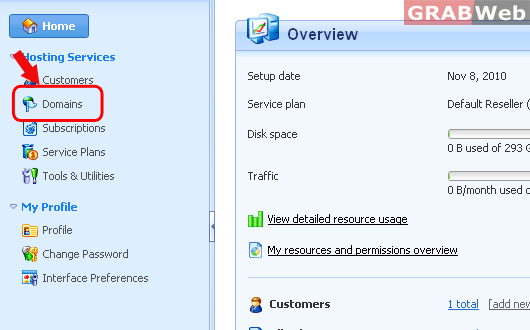
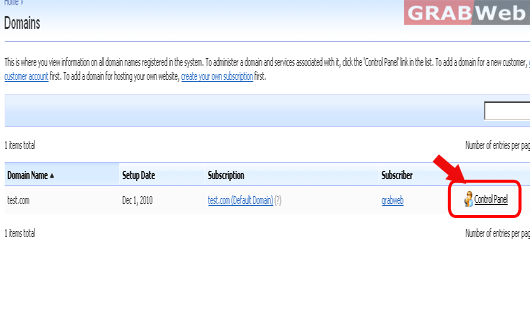
2) Click on "Domains" and then Click on "Control panel" in front of the domain whose files permession you want to change.
3) Click on "Mails".

4) Click on email address whose email service you want to suspend.

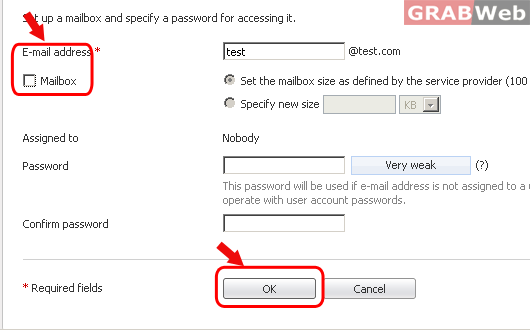
5) Uncheck the checkbix in front of "Mailbox" to suspend the email service for that
domain and click on "OK".