![GRABWEB [India]](/templates/lagom2/assets/img/logo/logo_big.454175622.gif "GRABWEB [India]")
To Create User Roles, please follow the following settings:-
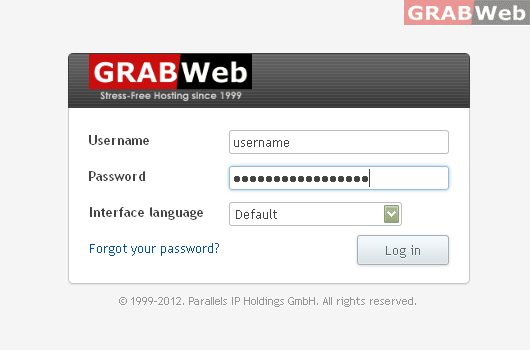
1) Login to Plesk control panel.
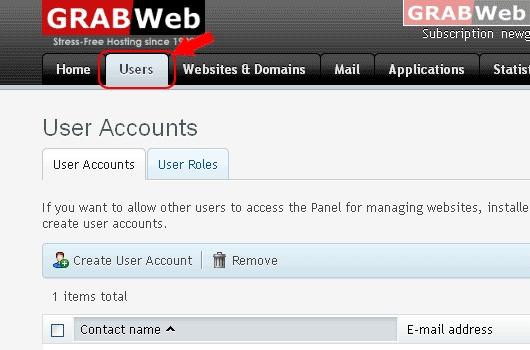
2) Click on "Users Tab".
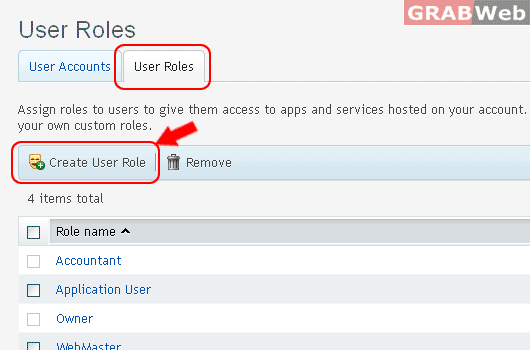
3) Click on "User Roles Tab" and then Click on "Create User Role"
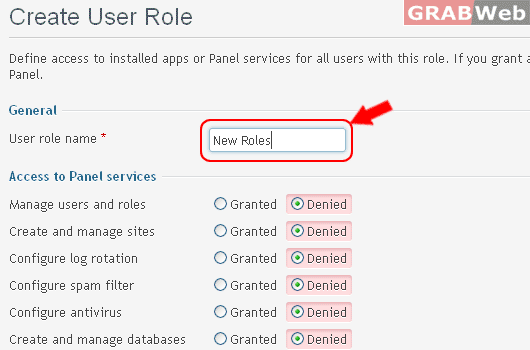
4) Enter the "User role name *" as marked in RED also you can enable / disable Access to Panel services.
Information: The user role New Roles was created.
5) Click Ok.
