![GRABWEB [India]](/templates/lagom2/assets/img/logo/logo_big.454175622.gif "GRABWEB [India]")
To temporarily suspend execution of a scheduled task:
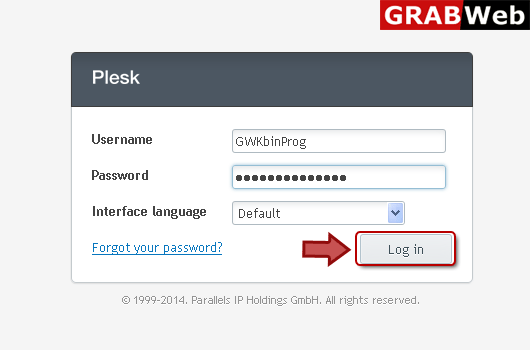
1) Login in to your Plesk Control Panel.
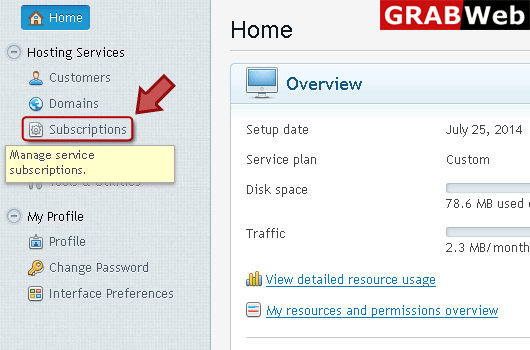
2) Click "Subscriptions" at the left.
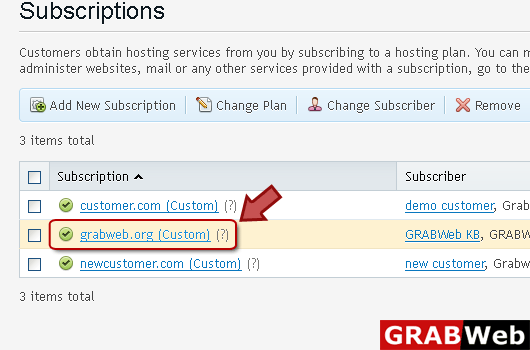
3) Click on subscription name.
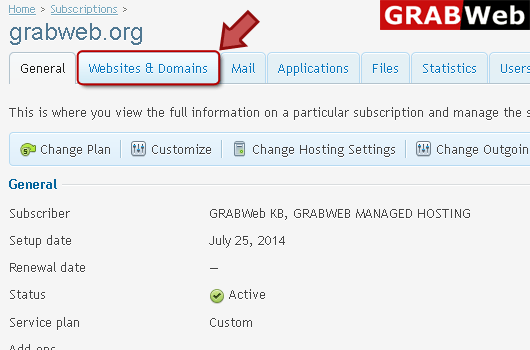
4) Click "Websites and Domains" tab.
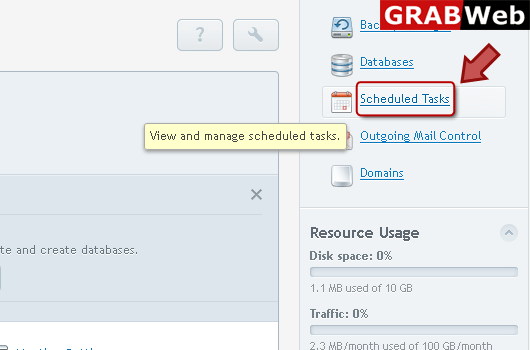
5) Click on Scheduled Task as marked in red.
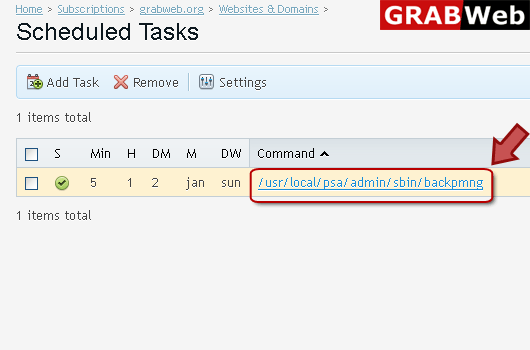
6) Click on command at the right.
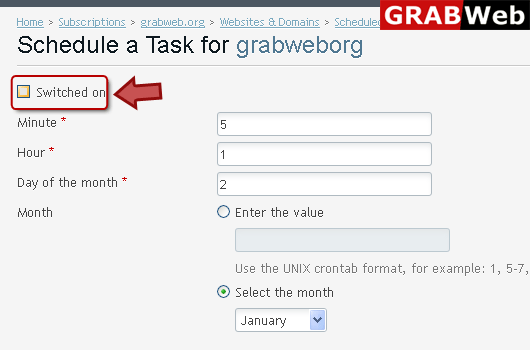
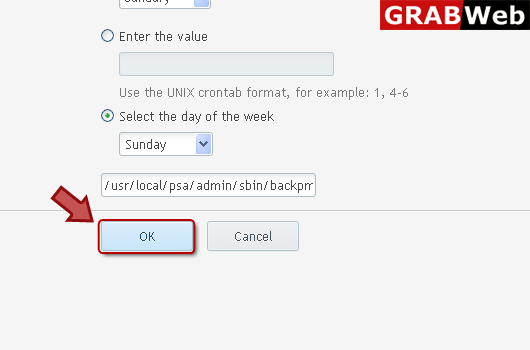
7) Make sure that Switched on option is unchecked then click Ok.