![GRABWEB [India]](/templates/lagom2/assets/img/logo/logo_big.1492388305.svg "GRABWEB [India]")
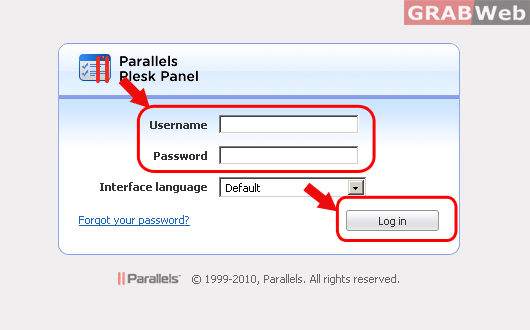
To insert the schedule task on your Plesk please follow the following steps:-
1) Log in to Plesk control Panel.
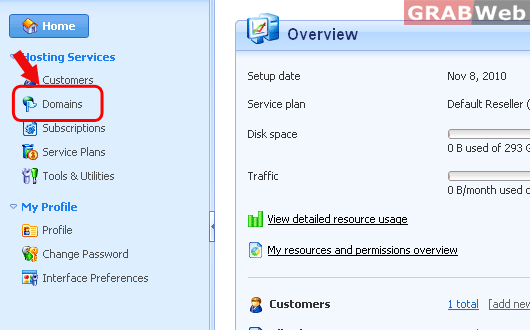
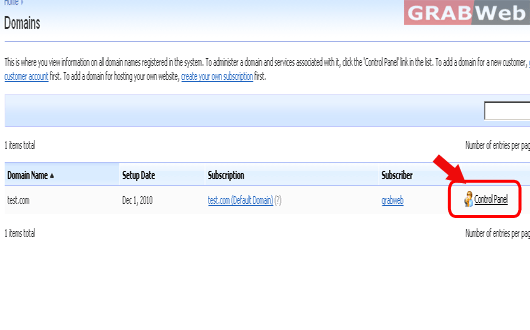
2) Click on "Domains" and then Click on "Control panel" in front of the domain whose files permession you want to change.
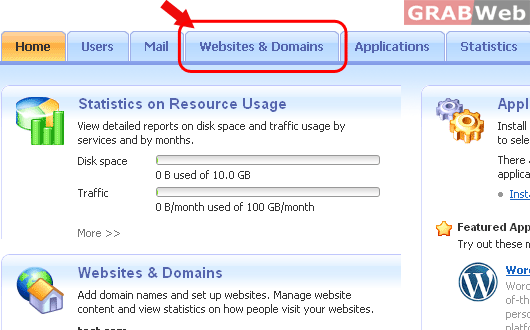
3) Click on "Websites and Domains".
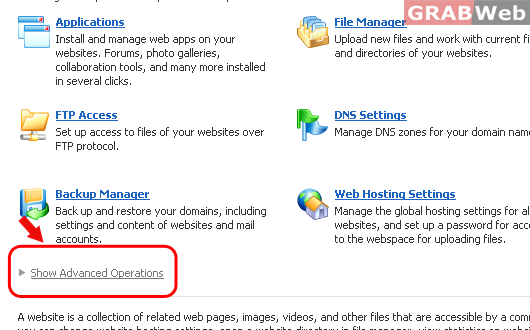
4) Click on "Show Advanced Operations".
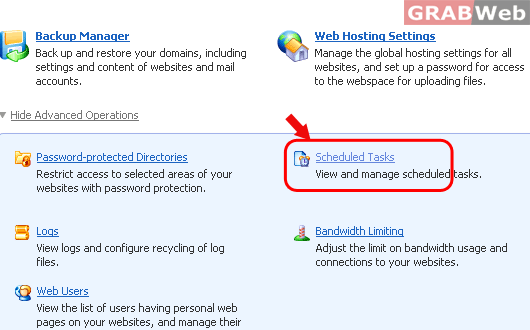
5) Click on "Scheduled Tasks".
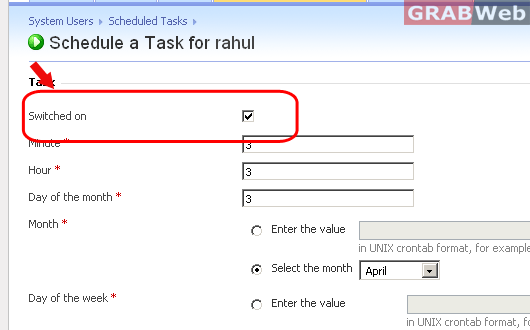
6) Click on the schedule task that you want to disable.
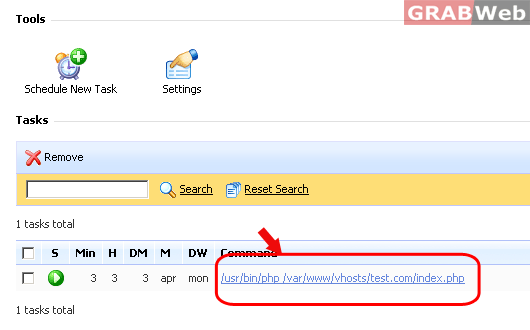
7) Uncheck the checkbox which say "Switched on" and press "OK".