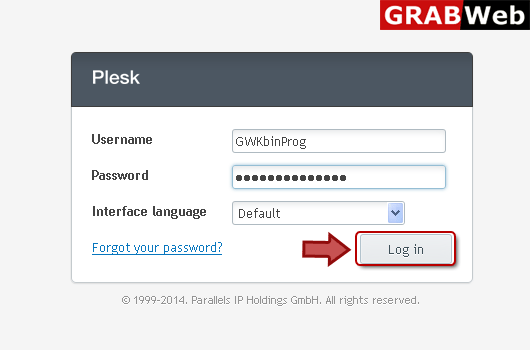
1) Login in to your Plesk Control Panel.
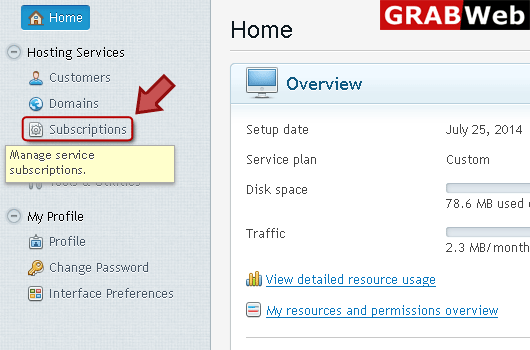
2) Click "Subscriptions" at the left.
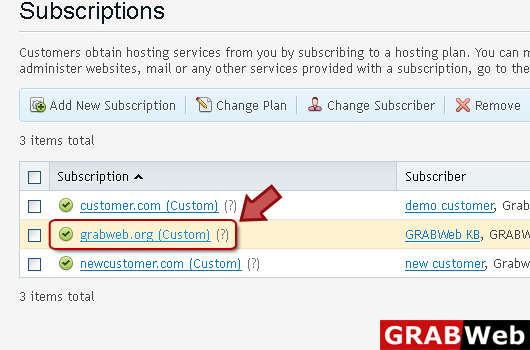
3) Click on subscription name.
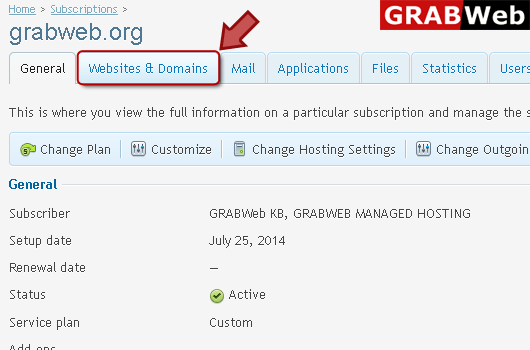
4) Click "Websites and Domains" tab.
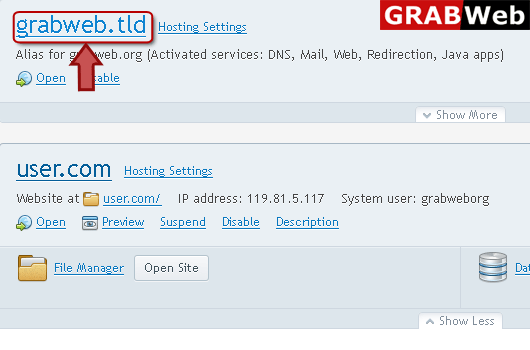
5) Click on aliase name which you want to remove.
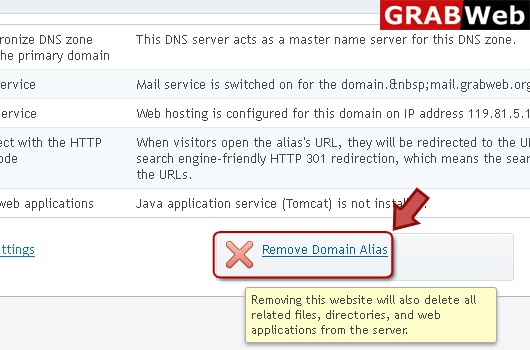
6) Click "Remove Domain Alias" at the right bottom.
![GRABWEB [India]](/templates/lagom2/assets/img/logo/logo_big.454175622.gif "GRABWEB [India]")
If your hosting package includes more than one domain name (website), then you can easily add new...
NOTE:When you delete a domain from Plesk, all data related to the corresponding site are deleted...
To setup subdomain for a site division or a seprate site:1) Login in to your Plesk Control...
To remove subdomain:1) Login in to your Plesk Control Panel.2) Click "Subscriptions" at the...
Domain aliases allow you to point several domain names to the same website:1) Login in to your...
