![GRABWEB [India]](/templates/lagom2/assets/img/logo/logo_big.454175622.gif "GRABWEB [India]")
To change permission of Files and Directory:
1) Login in to your Plesk Control Panel.

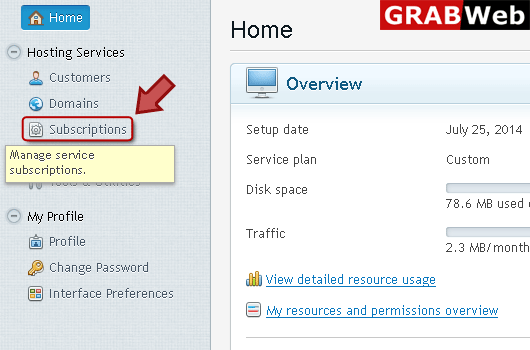
2) Click "Subscriptions" at the left.
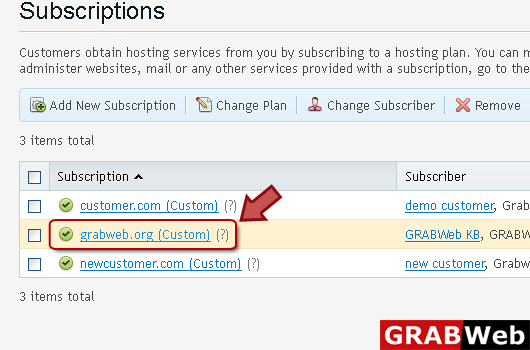
3) Click on subscription name.
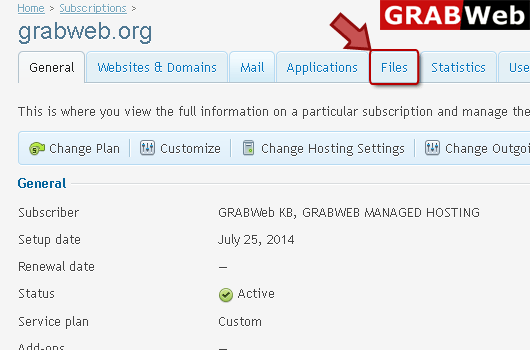
4) Click "Files" tab as highlighted in red.
5) Click on permissions which you want to change.
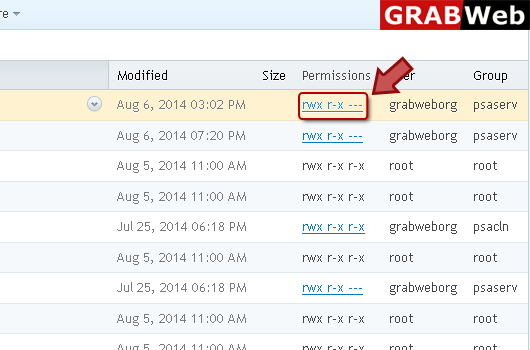
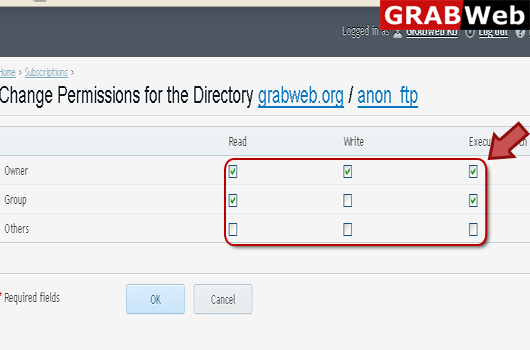
6) Enter information in Red marked box according to your need then click Ok.