![GRABWEB [India]](/templates/lagom2/assets/img/logo/logo_big.454175622.gif "GRABWEB [India]")
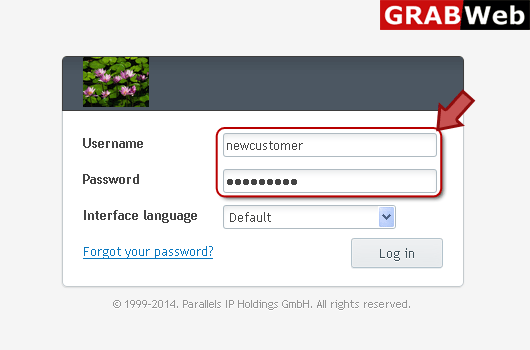
1) Login in to your Plesk Control Panel.
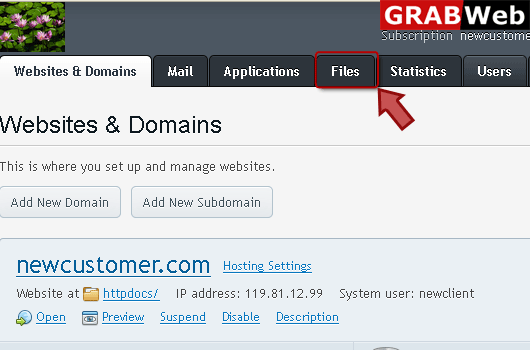
2) Click on "Files" tab as marked in red.
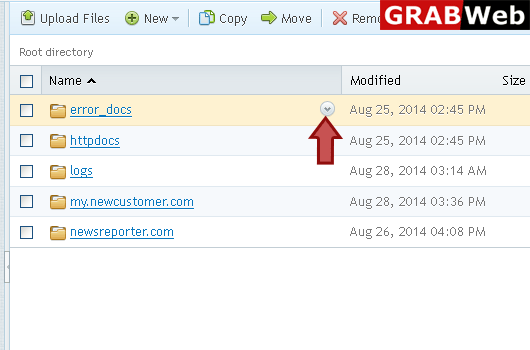
3) Click on front of the file and directory name who's permission you want to change as marked in red.
4) Select "Change Permissions" as marked in red.
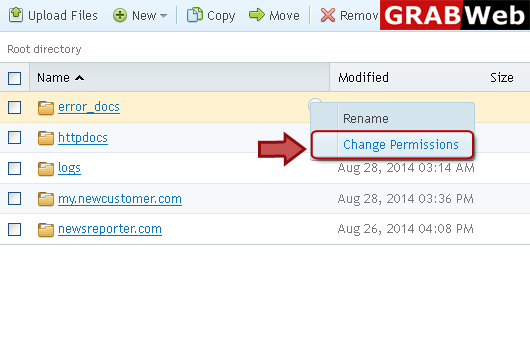
5) Select permissions according to your need then press ok.

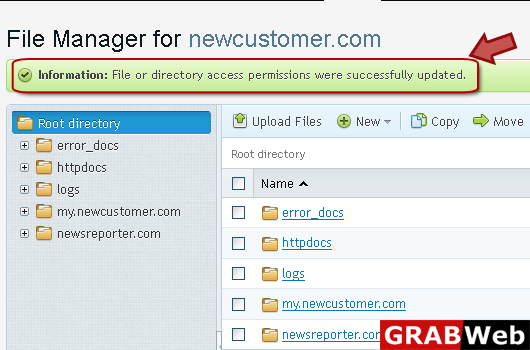
6) Here you can see that your access permission were successfully changed.