![GRABWEB [India]](/templates/lagom2/assets/img/logo/logo_big.1492388305.svg "GRABWEB [India]")
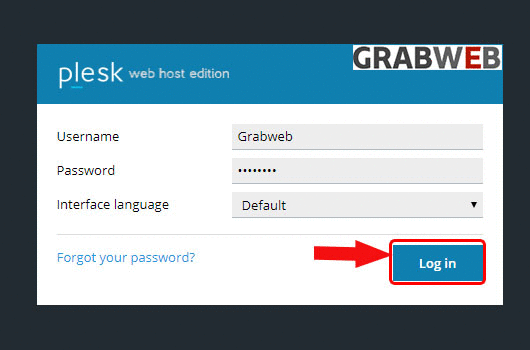
1. Login into Plesk Panel
2. Click on the "Files" tab as marked in the image.

3. On the left side there will be all your directory & files and on the right side of it, there will be a button as marked on the image.
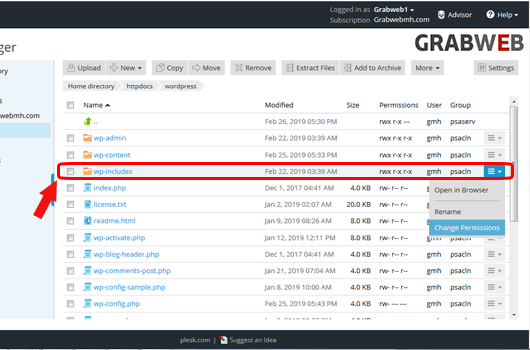
4. Select on the "Change permissions" button as marked in the image.

5. Change the file permissions as per your need as marked in the image.
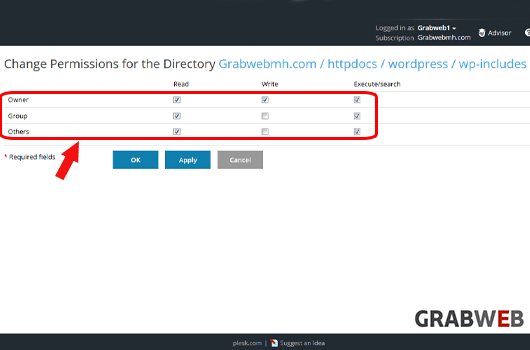
6. Select "Ok" to save.
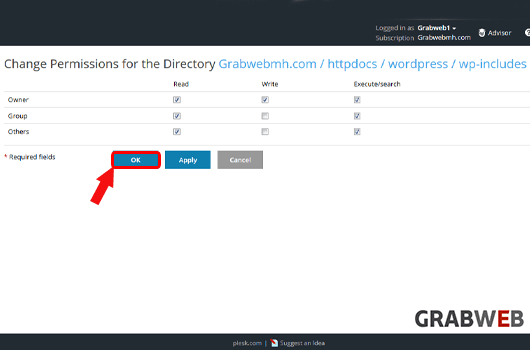
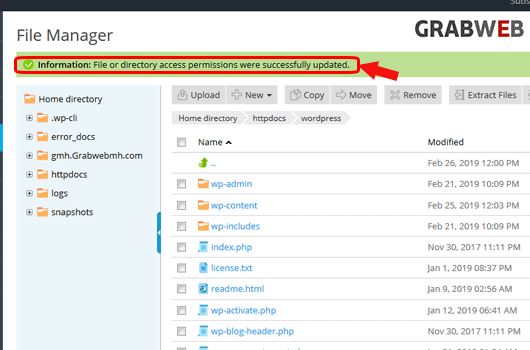
7. File permission changed successfully as marked in the image.