![GRABWEB [India]](/templates/lagom2/assets/img/logo/logo_big.1492388305.svg "GRABWEB [India]")
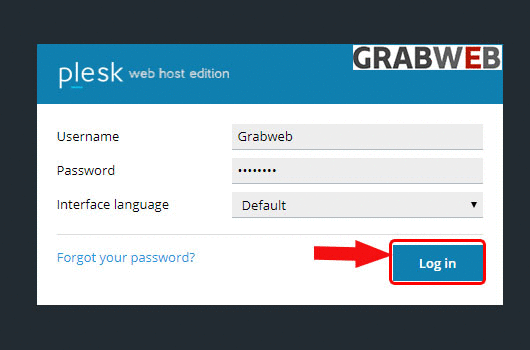
- Login into Plesk Panel.
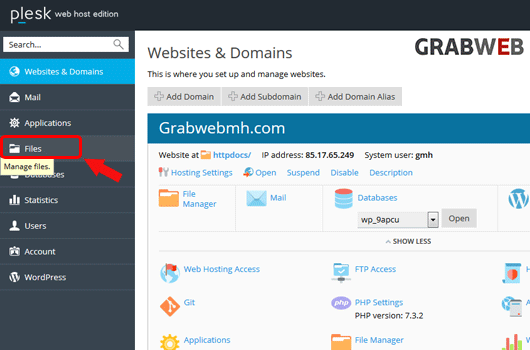
2. Click on the "Files" tab as marked in the image.
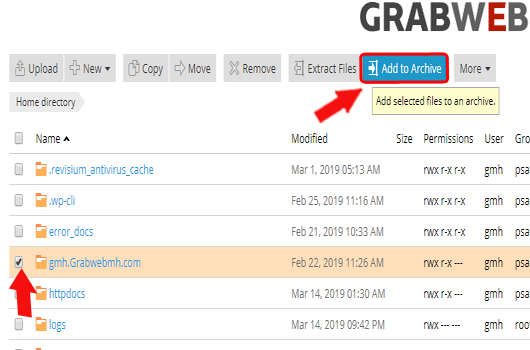
3. Select all files & directors and then click " Add to Archive" button as marked in the image.
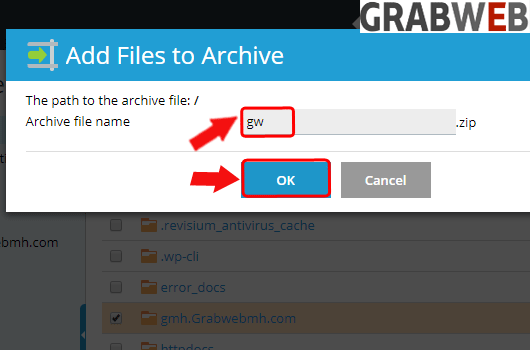
4. Select the name of the archive file and click on OK.
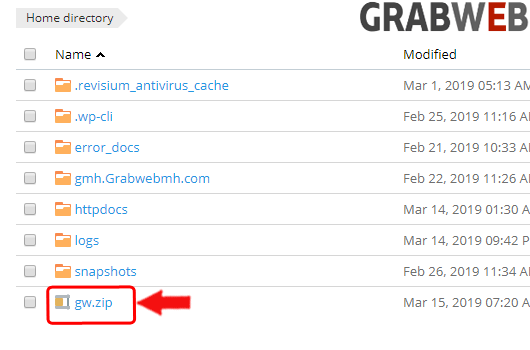
5. Here you can see zip file created successfully.