![GRABWEB [India]](/templates/lagom2/assets/img/logo/logo_big.454175622.gif "GRABWEB [India]")
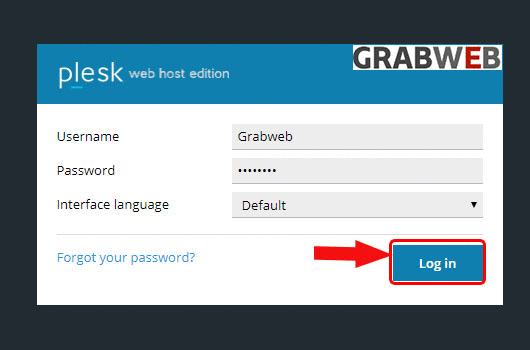
1. Login into Plesk Panel.
2. Click on the "Subscriptions" button on the left side of the screen as marked in the image.

3. Click the "Subscriptions Name" as marked in the image.

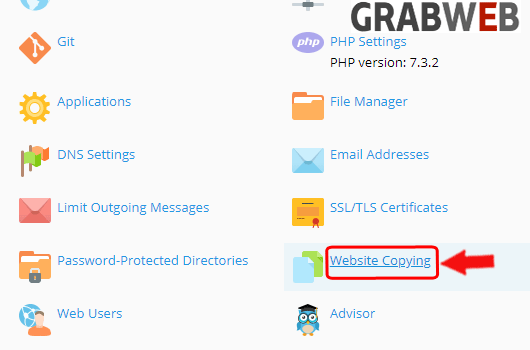
4. Select on the "Website copying" option as marked in the image.
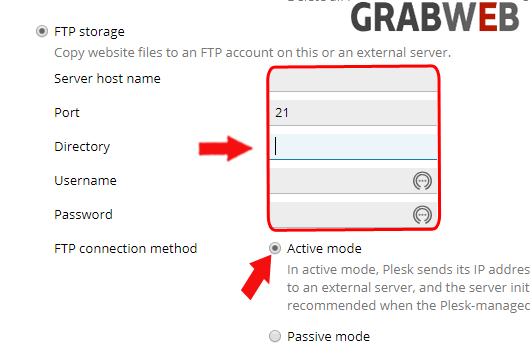
5. Select the destination FTP detail and click on the FTP connection mode option as per your needs as marked in the image.
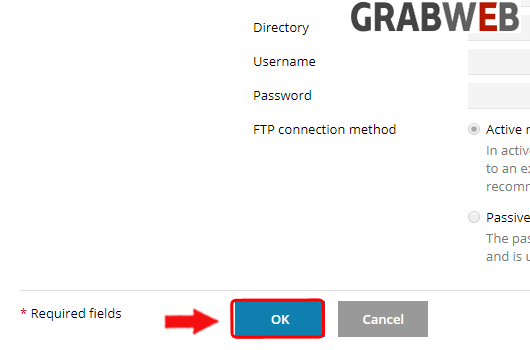
6. Click on the "Ok" to copy.