![GRABWEB [India]](/templates/lagom2/assets/img/logo/logo_big.1492388305.svg "GRABWEB [India]")
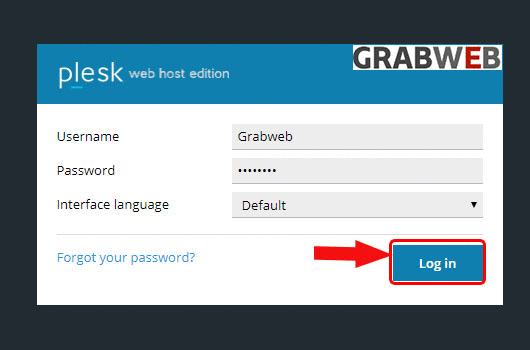
1. Login into Plesk Panel.
2. Click on the "Subscriptions" button on the left side of the screen as marked in the image.

3. Click the "Subscriptions Name" as marked in the image.

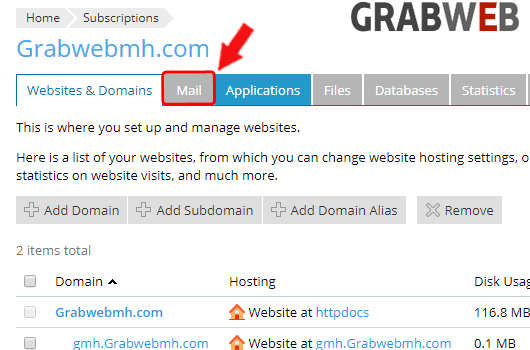
4. Click on the "Mail" tab as marked in the image.
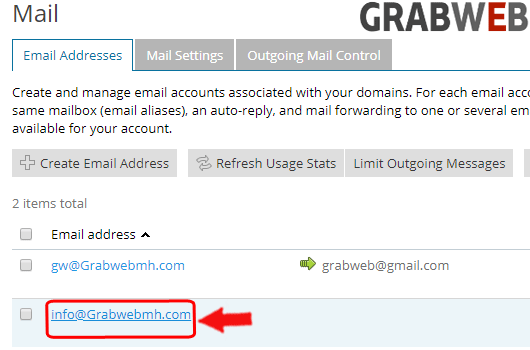
5. Click on the "Email Addresses" as marked in the image.
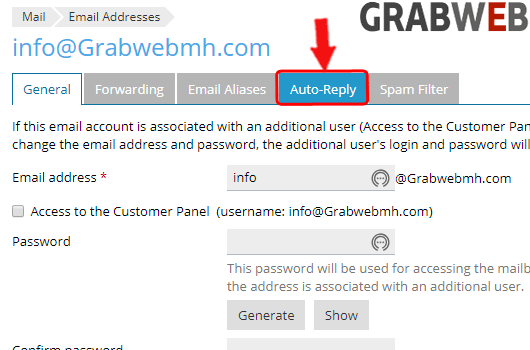
6. Click on the auto-reply tab as marked in the image.
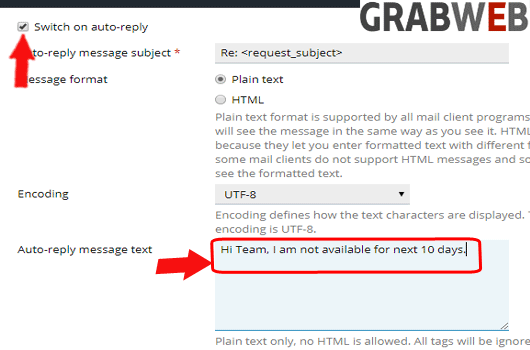
7. Click on checkbox of Switch on auto-reply and enter the Auto-reply message text as marked in the image.
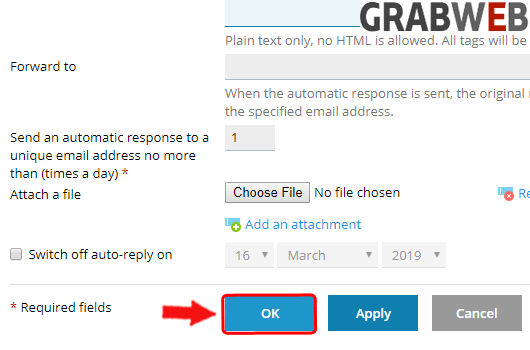
8. Select "Ok" to save the settings.