![GRABWEB [India]](/templates/lagom2/assets/img/logo/logo_big.454175622.gif "GRABWEB [India]")
To change the password of your Plesk contol panel account, Please follow the following steps :-
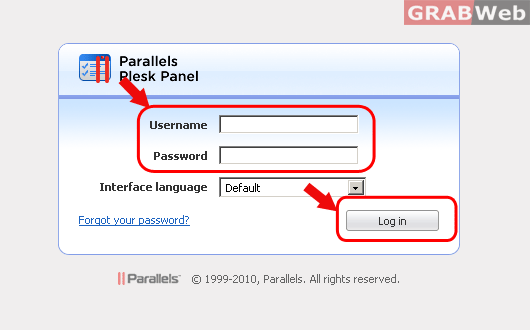
1) Login to Plesk control panel.
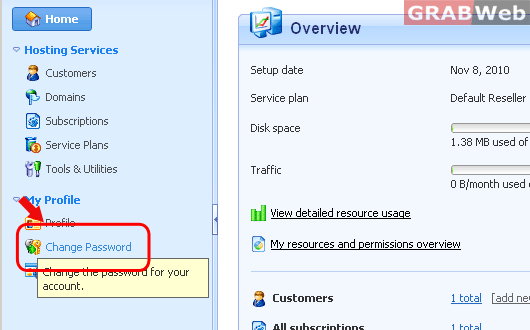
2) Click on "Change Password".
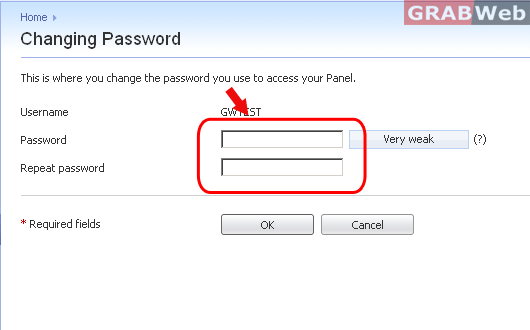
3) Enter the new password 2 times that you want to keep and click on "OK". You password will be changed now.