![GRABWEB [India]](/templates/lagom2/assets/img/logo/logo_big.454175622.gif "GRABWEB [India]")
To change the password for the database user,please follow the following steps :-
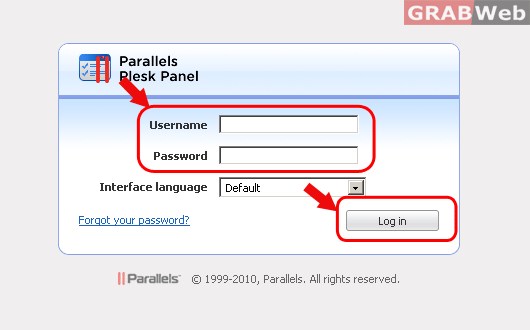
1) Login to Plesk control panel.
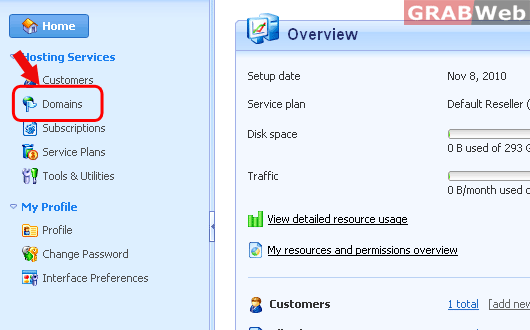
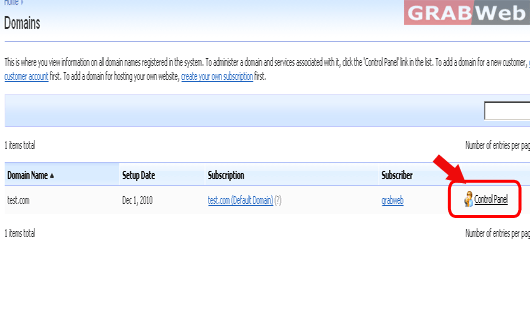
2) Click on "Domains" and then Click on "Control panel" in front of the domain whose files permession you want to change.
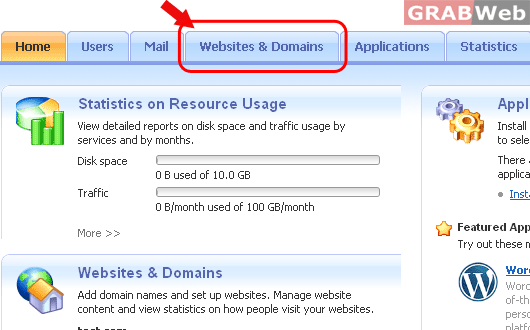
3) Click on "WebSites and Domains".
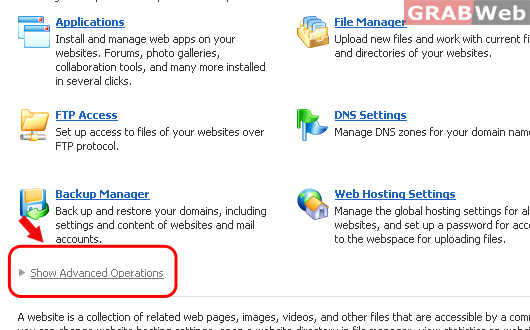
4) Click on " Show Advanced Operations".
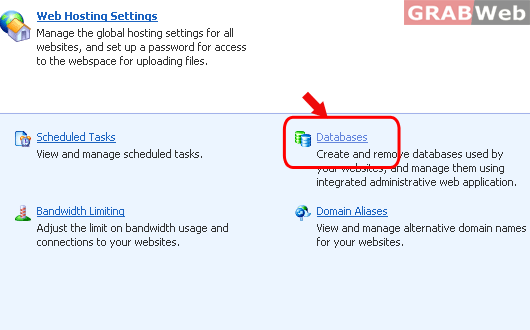
5) Now Click on "Databases".
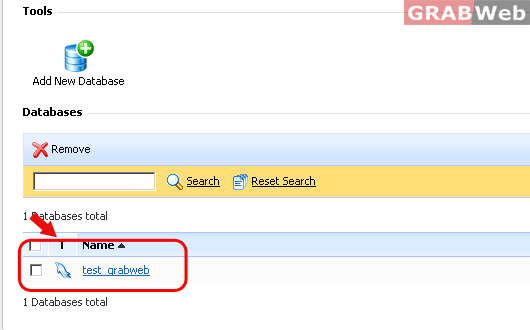
6) Click on "Database" for whose user password you wanrt to change.
7) Click on username whose password you want to change.
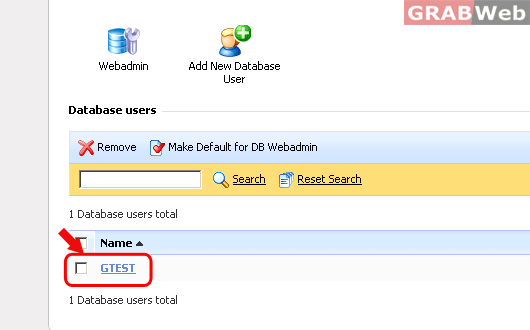
8) Enter the new password two times and click on "OK".
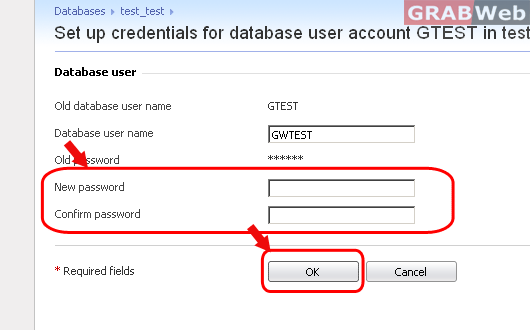
You password has been chnaged now.
