![GRABWEB [India]](/templates/lagom2/assets/img/logo/logo_big.1492388305.svg "GRABWEB [India]")
To add MX record in Cpanel, Please follow the following steps :-
1) Login to cPanel.
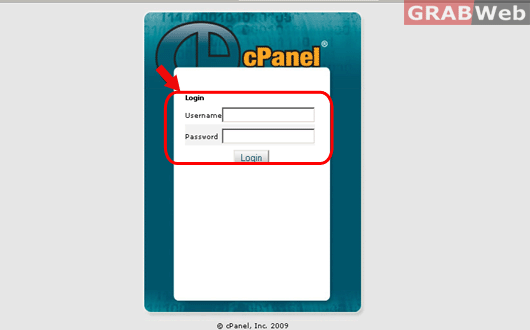
2) Click on MX Entry icon Under "Mail category".

3) Select the domain from drop down menu for which you want to change the MX record (This option
is only avaliable if you have hosted more than one domain under your account)
4) You need to insert the Destination MX record in "Add New Record" feild with priority.
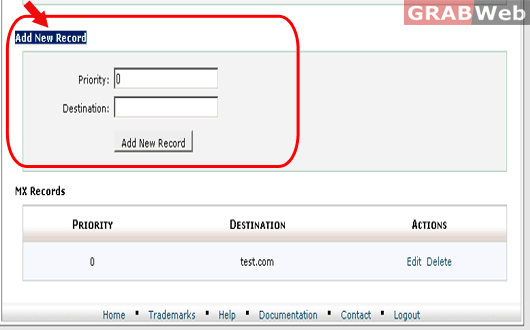
5) Click on "Add New Record" and MX record will be added.
