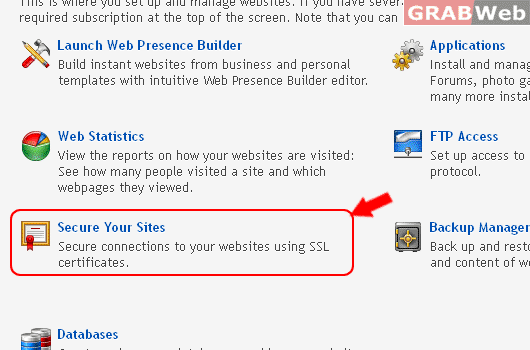
To Secure Your Sites in Reseller Account, please follow the following settings:-
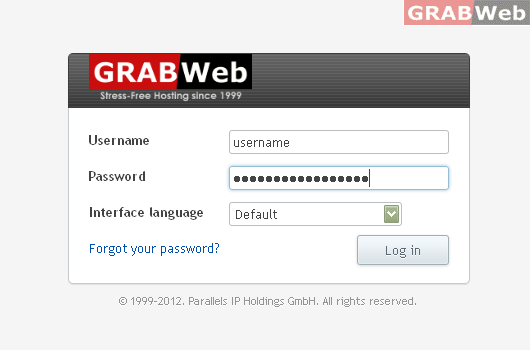
1) Login to Plesk control panel.
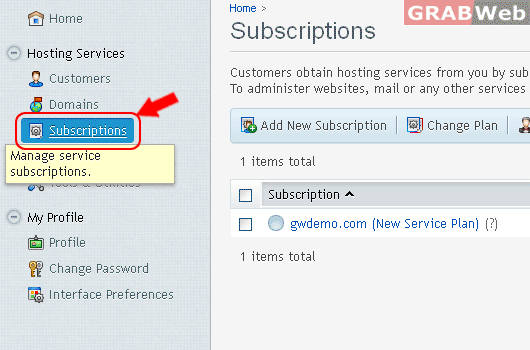
2) Click on Subscriptions
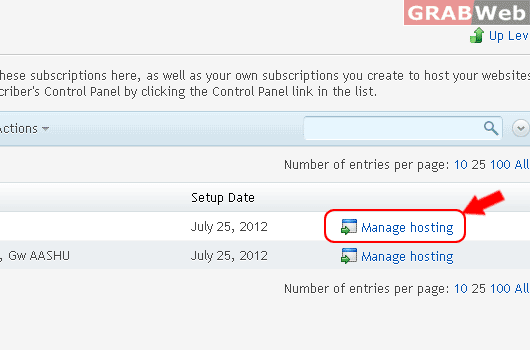
3) Click on Manage Hosting
4) Click on Website & Domains
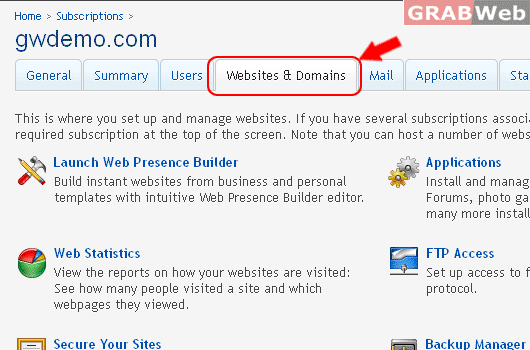
5) Click on Secure Your Websites.
![GRABWEB [India]](/templates/lagom2/assets/img/logo/logo_big.454175622.gif "GRABWEB [India]")
To Secure Your Sites in Reseller Account, please follow the following settings:-
1) Login to Plesk control panel.
2) Click on Subscriptions
3) Click on Manage Hosting
4) Click on Website & Domains
5) Click on Secure Your Websites.
Websites & Domains This is where you set up and manage websites.If you have several...
To Use Web Presence Builder in Reseller Account, please follow the following settings:- 1) Login...
To Manage and Install Web Applications in Reseller Account, please click on this link.
To Use File Manager in Reseller Account, please follow the following settings:- Upload new files...
To Check Web Statistics in Reseller Account, please follow the following settings:- View the...

![[FULL VIEW]](https://manage.grabweb.in/imgs-kb/p11/reseller/web&domain/securessl/plesk11_securessl6.gif)