![GRABWEB [India]](/templates/lagom2/assets/img/logo/logo_big.454175622.gif "GRABWEB [India]")
Web users are primarily used for creating an additional login for a directory on your account.
(ie: If your domain is your-domain.com and web user is principal, the web user would have
a separate login for domain.com/~principal).
To create the web users in Plesk Please follow the following steps:-
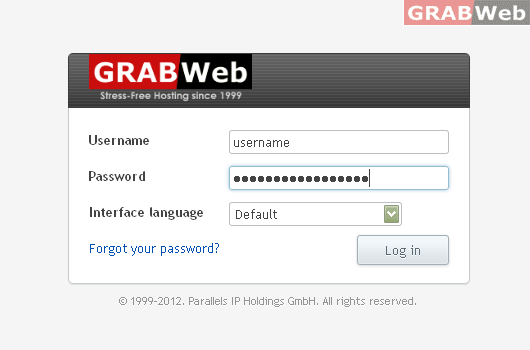
1) Login to Plesk control panel.
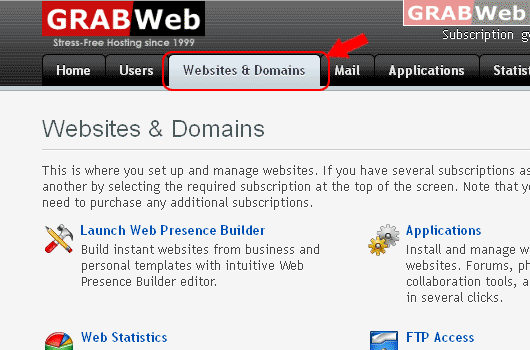
2) Click on "Websites and Domains".
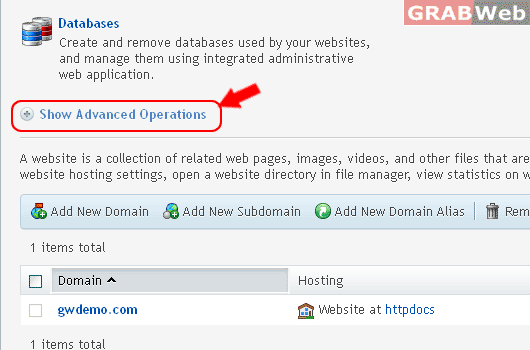
3) Click on " Show Advanced Operations ".
4) Click on "Web Users"

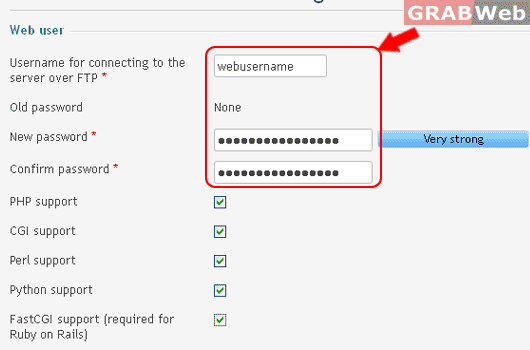
5) Click "Add New Web User".
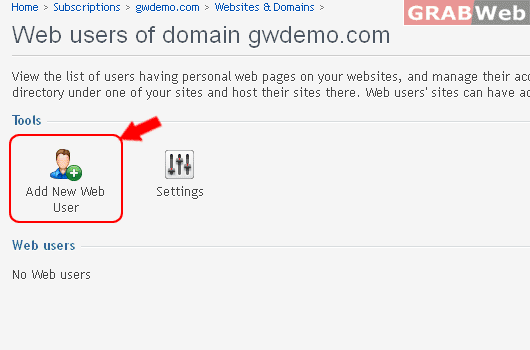
6) Specify a username and a password that will be used for accessing the webspace through
FTP and publishing the web pages.
7) Click OK.
