![GRABWEB [India]](/templates/lagom2/assets/img/logo/logo_big.454175622.gif "GRABWEB [India]")
To Install and Manage Web Applications, please follow the following settings:-
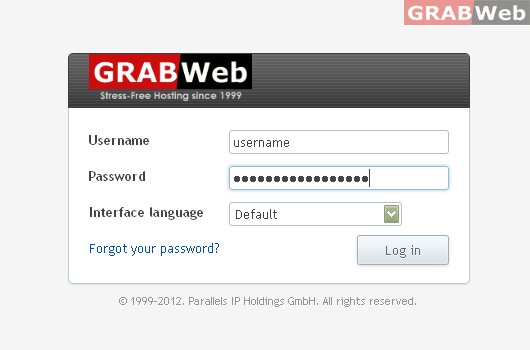
1) Login to Plesk control panel.
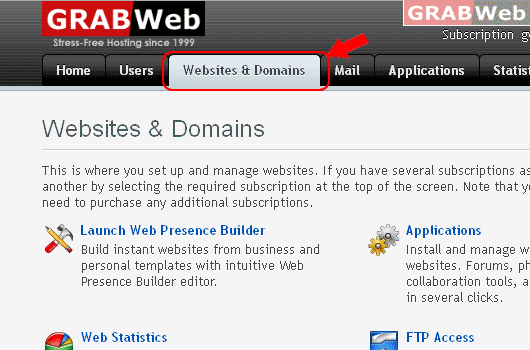
2) Click on "Websites & Domains Tab".
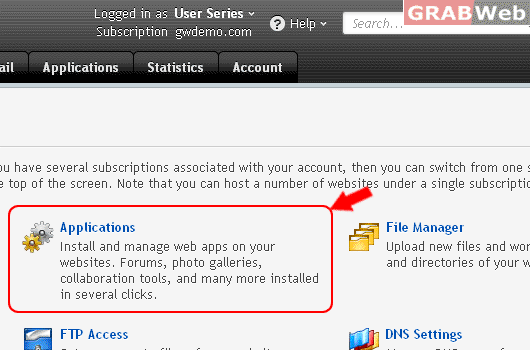
3) Click on "Applications" icon
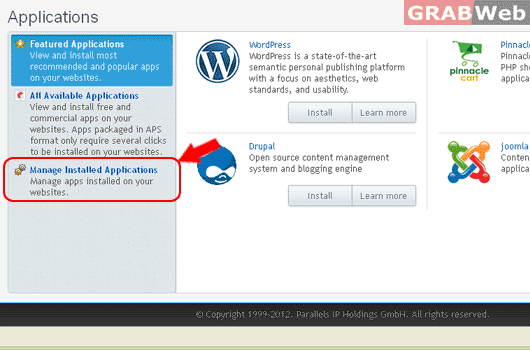
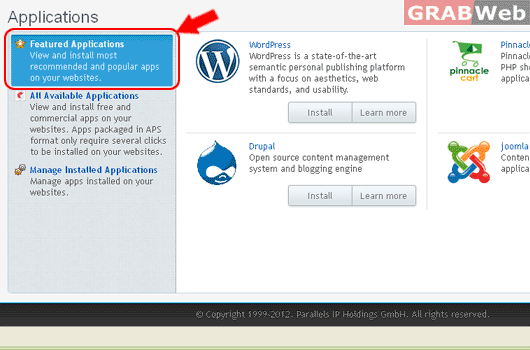
4) Click on "Featured Applications"
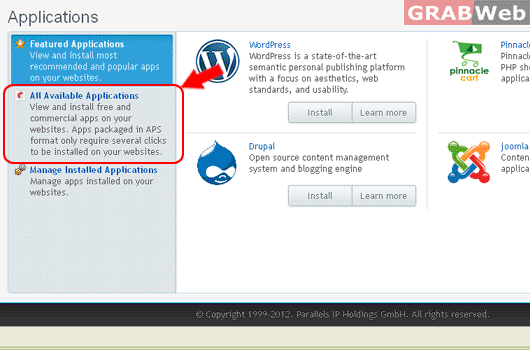
4) Click on "All Available Applications"
4) Click on "Manage Installed Application" for Installed App.