![GRABWEB [India]](/templates/lagom2/assets/img/logo/logo_big.454175622.gif "GRABWEB [India]")
To modify the enteries in the Start of Authority (SOA) record for a domain:
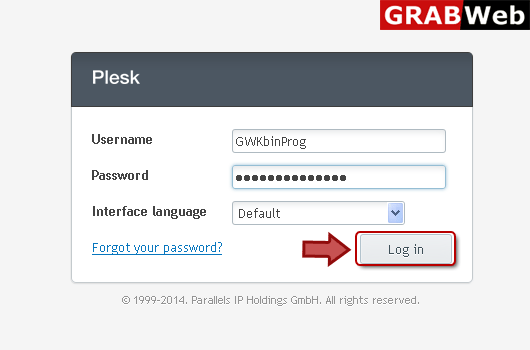
1) Login in to your Plesk Control Panel.
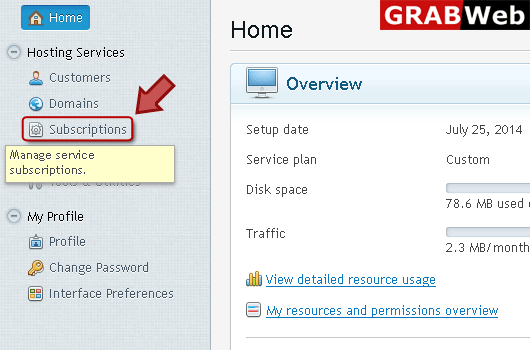
2) Click "Subscriptions" at the left.
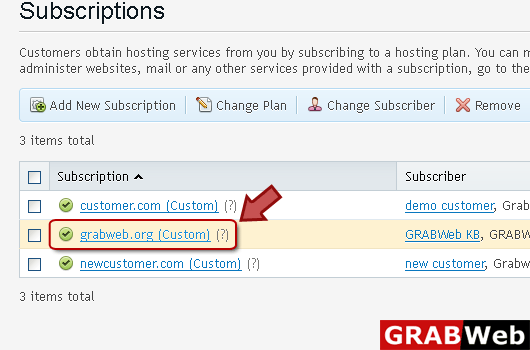
3) Click on subscription name.
4) Click "Websites and Domains" tab.
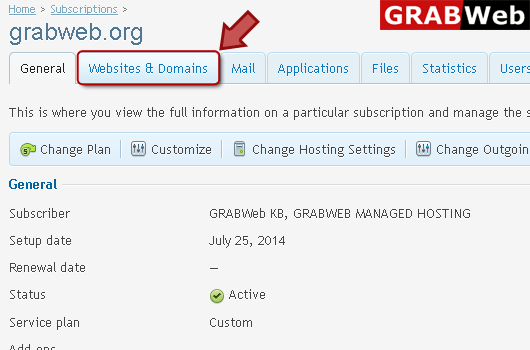
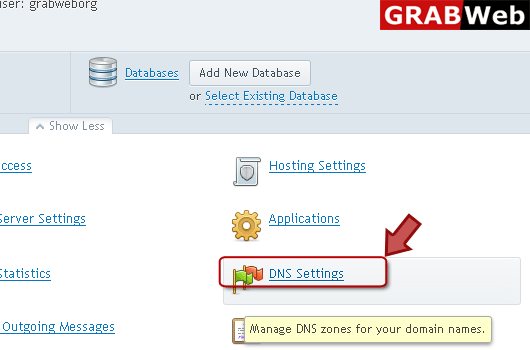
5) Click "DNS Settings" at the right bottom.
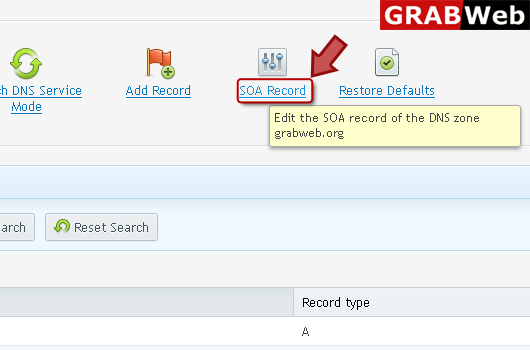
6) Click "SOA Record" at the right.
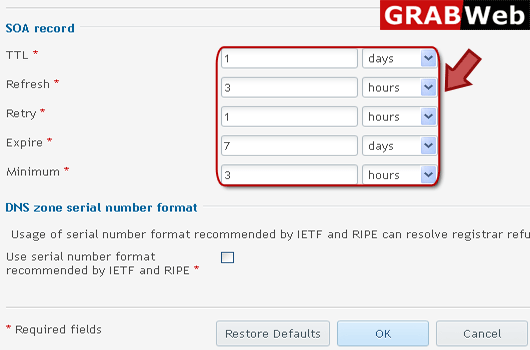
7) Enter information in red marked box then click Ok.