![GRABWEB [India]](/templates/lagom2/assets/img/logo/logo_big.454175622.gif "GRABWEB [India]")
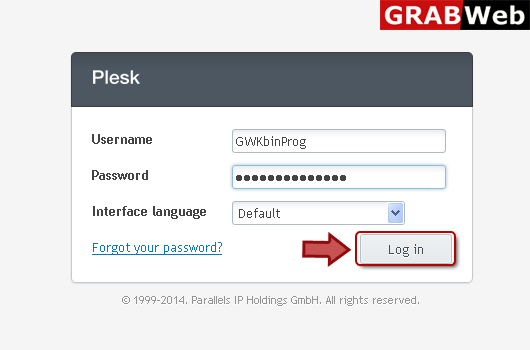
1) Login in to your Plesk Control Panel.
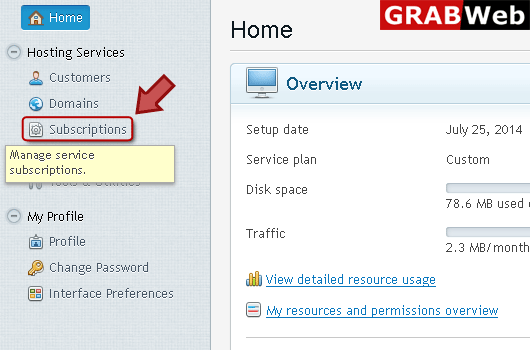
2) Click "Subscriptions" at the left.
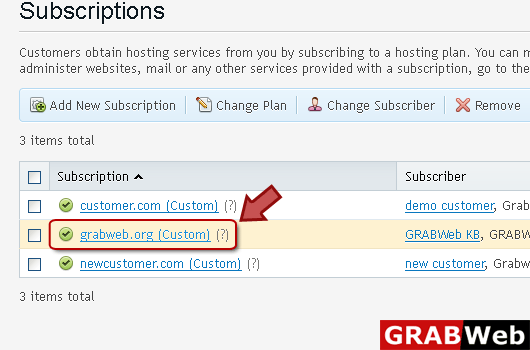
3) Click on subscription name.
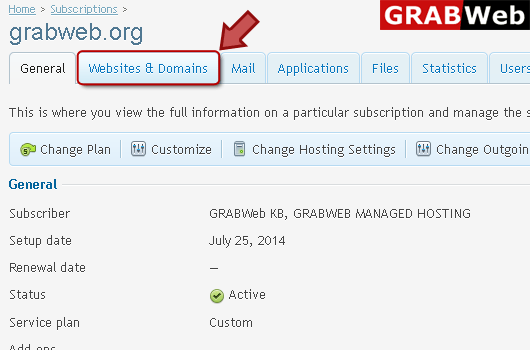
4) Click "Websites and Domains" tab.
5) Click "Hosting Settings" at the right.
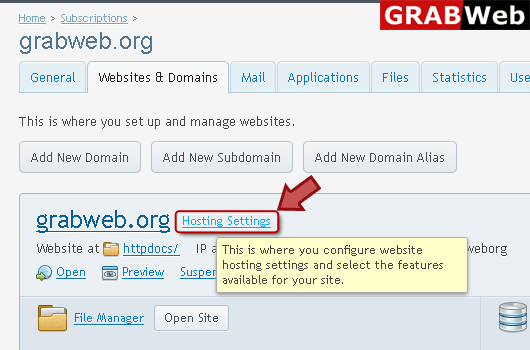
6) you can view hosting settings in red marked box.
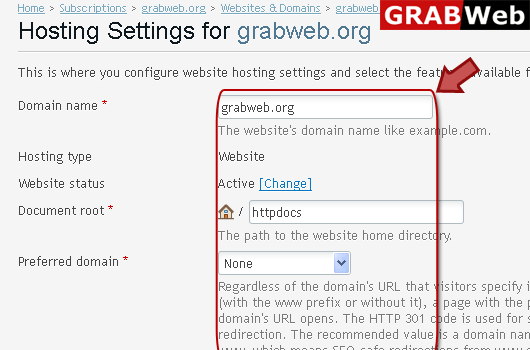
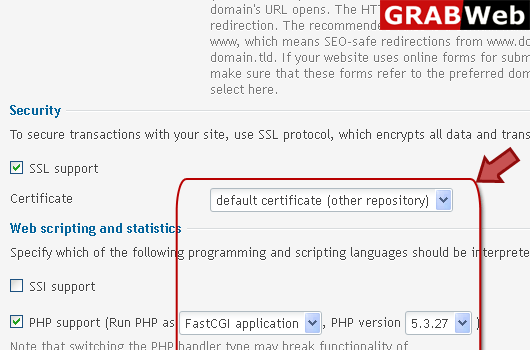
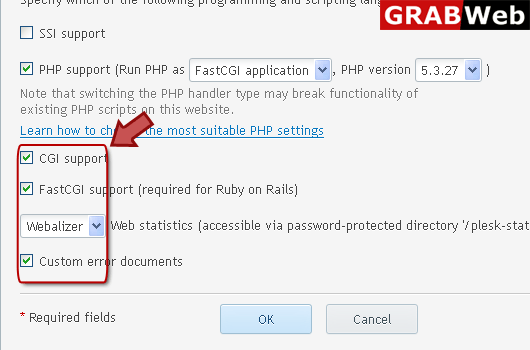
Website StatusThe website status defines whether a website is available over the Internet and...
To choose PHP handler for your website:1) Login in to your Plesk Control Panel.2) Click...
To adjust Apache Web Server settings:1) Login in to your Plesk Control Panel.2) Click...
