![GRABWEB [India]](/templates/lagom2/assets/img/logo/logo_big.454175622.gif "GRABWEB [India]")
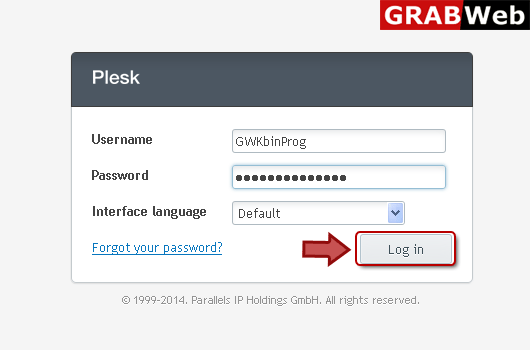
1) Login in to your Plesk Control Panel.
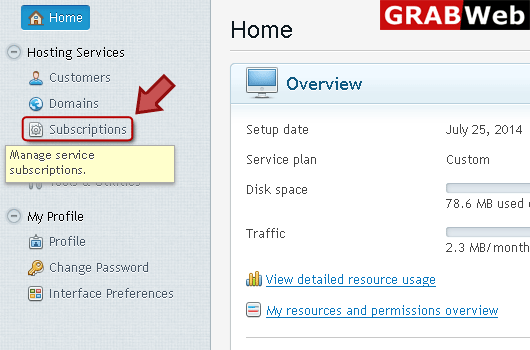
2) Click "Subscriptions" at the left.
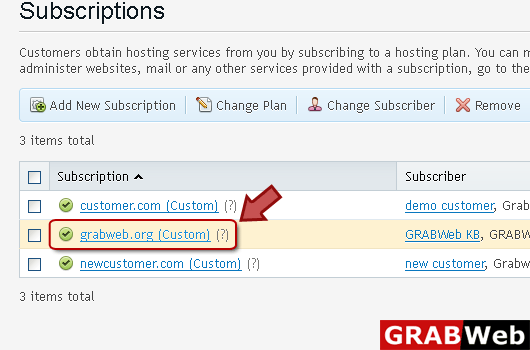
3) Click on subscription name.
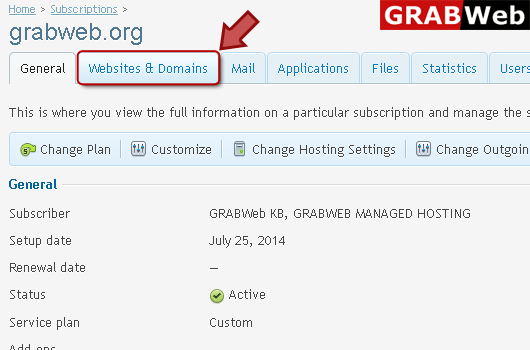
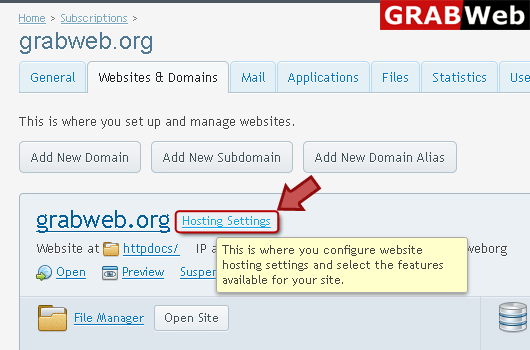
4) Click "Websites and Domains" tab.
5) Click "Hosting Settings" at the right.
6) Select PHP support (Run PHP as ) for your website according to your need.
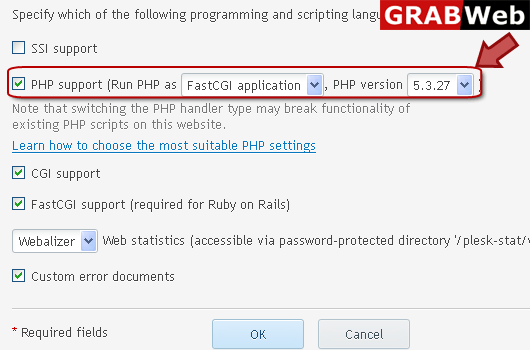
7) Click OK.
