![GRABWEB [India]](/templates/lagom2/assets/img/logo/logo_big.454175622.gif "GRABWEB [India]")
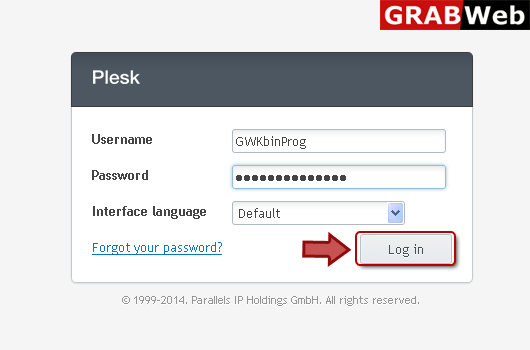
1) Login in to your Plesk Control Panel.
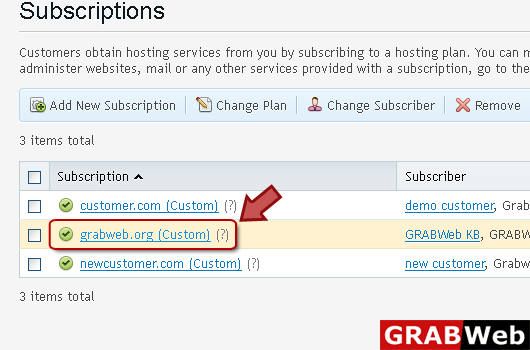
2) Click "Subscriptions" at the left.

3) Click on subscription name.
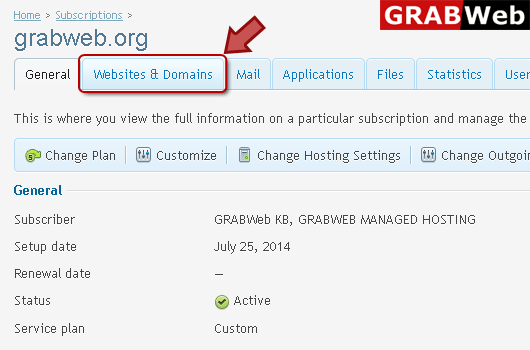
4) Click "Websites and Domains" tab.
5) Click "Password Protected Directories" as marked in red.

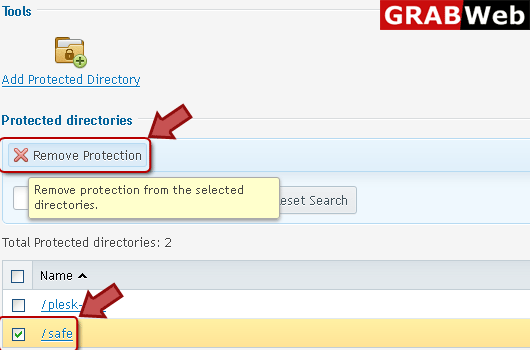
6) Select the directory then click on "Remove Protection" tab to remove protection.