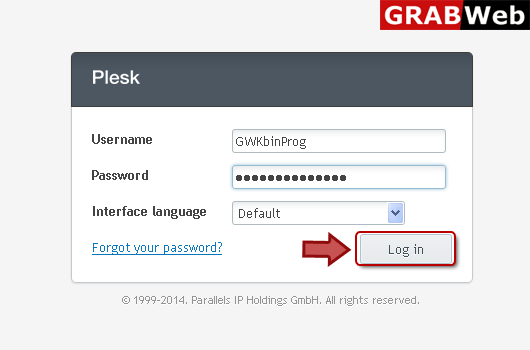
1) Login in to your Plesk Control Panel.
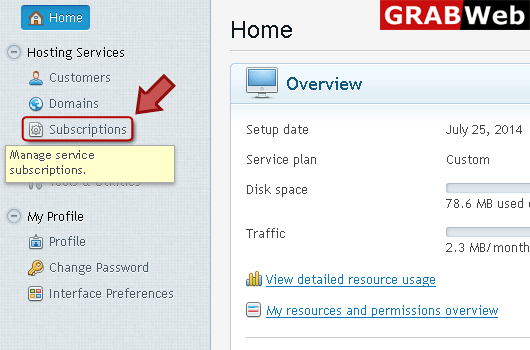
2) Click "Subscriptions" at the left.
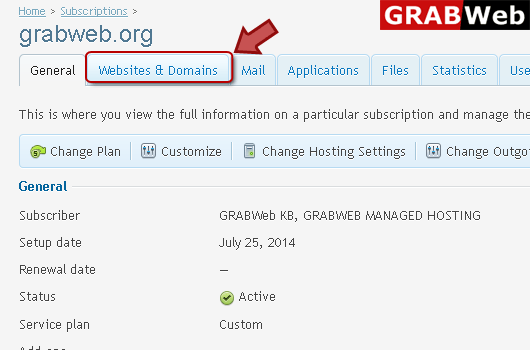
3) Click on subscription name.

4) Click "Websites and Domains" tab.
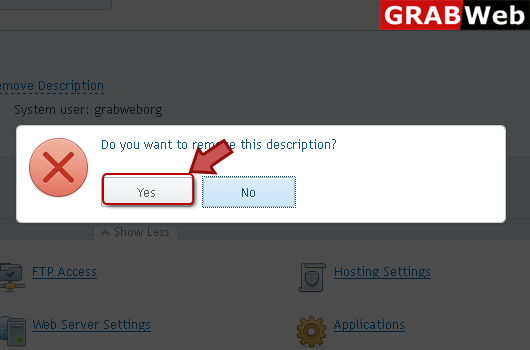
5) Click "Remove Description" at the right.
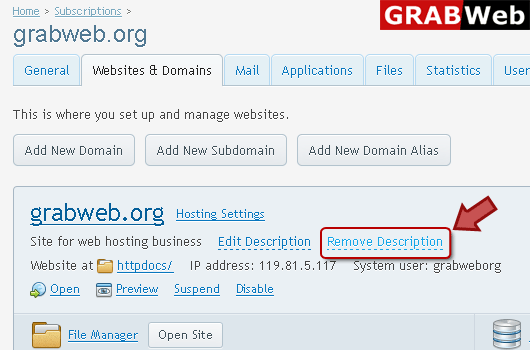
6) If you want to remove Description then click Yes.
![GRABWEB [India]](/templates/lagom2/assets/img/logo/logo_big.454175622.gif "GRABWEB [India]")
If your hosting package includes more than one domain name (website), then you can easily add new...
NOTE:When you delete a domain from Plesk, all data related to the corresponding site are deleted...
To setup subdomain for a site division or a seprate site:1) Login in to your Plesk Control...
To remove subdomain:1) Login in to your Plesk Control Panel.2) Click "Subscriptions" at the...
Domain aliases allow you to point several domain names to the same website:1) Login in to your...
