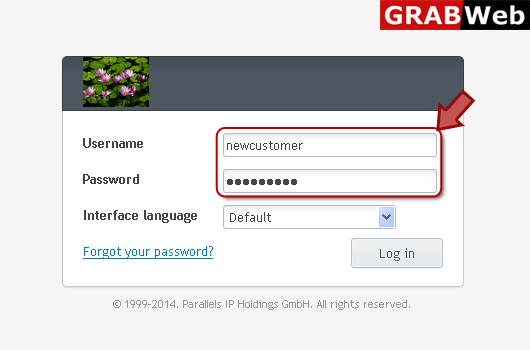
1) Login in to your Plesk Control Panel.
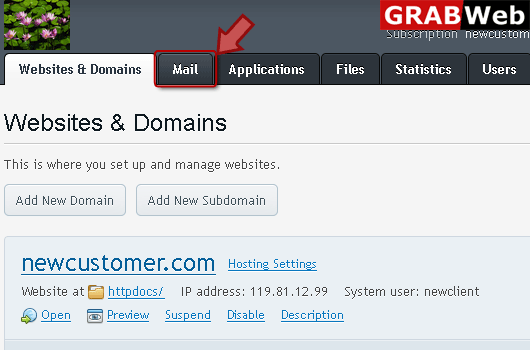
2) Click on "Mail" tab.
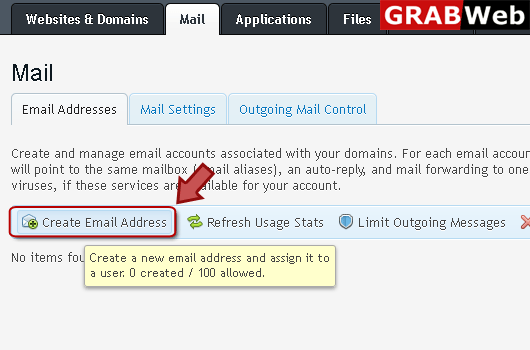
3) Click "Create Email Address" at the left.
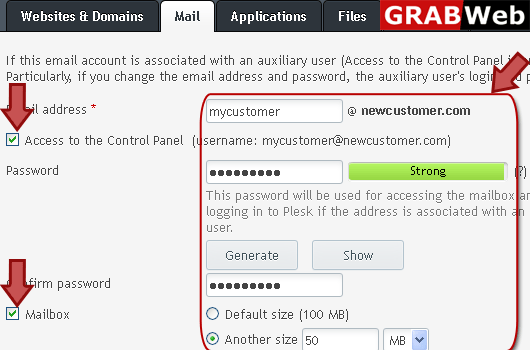
4) Enter information in red marked box according to your need then click Ok.
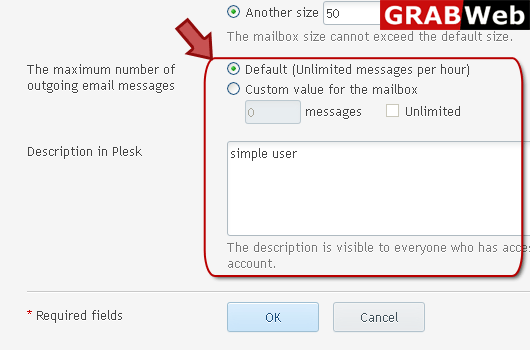

To configure Bounce with Message option:1) Login in to your Plesk Control Panel.2) Click on...
To deactivate mail services for a domain:1) Login in to your Plesk Control Panel.2) Click on...
To forwrd mail to the specified email address:1) Login in to your Plesk Control Panel.2) Click on...
To activate mail services for a domain:1) Login in to your Plesk Control Panel.2) Click on "Mail"...
Reject option is used to reject mail for non existent users without accepting it and without...
