![GRABWEB [India]](/templates/lagom2/assets/img/logo/logo_big.454175622.gif "GRABWEB [India]")
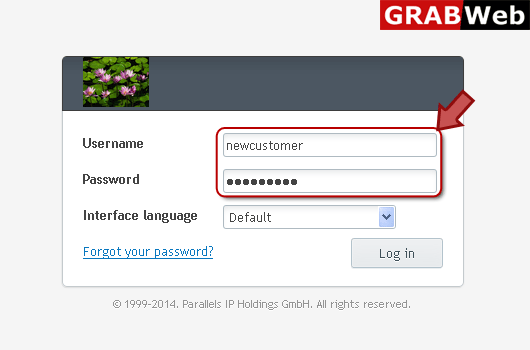
1) Login in to your Plesk Control Panel.
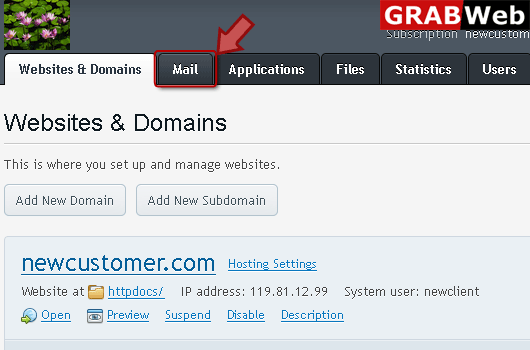
2) Click on "Mail" tab.
3) Click on "Mail Settings".

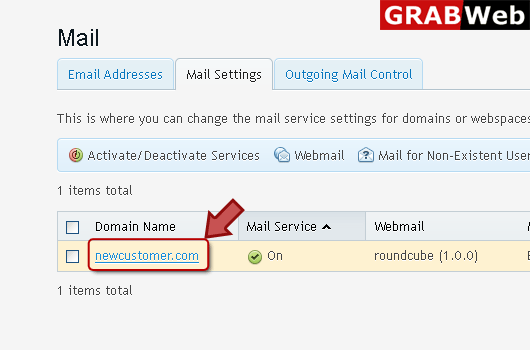
4) Click on domain name for which you want to configure mail forwarding.
5) Click on forward to address option then enter email address.

6) Click Ok.
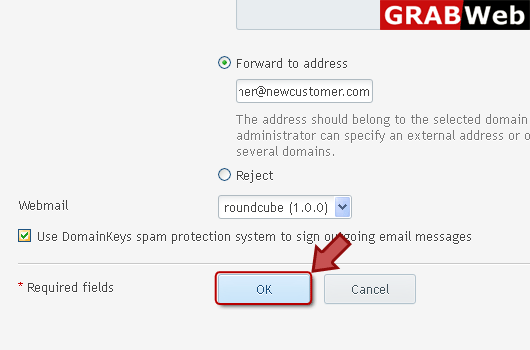
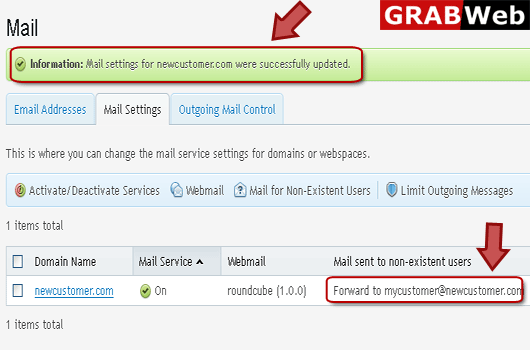
7) Here you can see the information in red marked box.