![GRABWEB [India]](/templates/lagom2/assets/img/logo/logo_big.454175622.gif "GRABWEB [India]")
1) Login in to your Plesk Control Panel.

2) Click "Websites & Domains" as marked in red.

3) Click on Password Protected Directories as marked in red.

4) Click on directory name for which you want to change the password

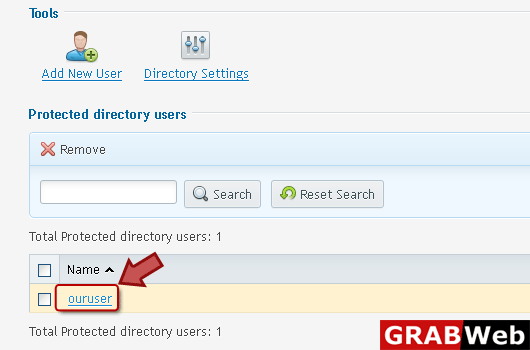
5) Click on the user name who's password you want to change.
6) Enter information in red marked box then click Ok.

