![GRABWEB [India]](/templates/lagom2/assets/img/logo/logo_big.454175622.gif "GRABWEB [India]")
1) Login in to your Plesk Control Panel.

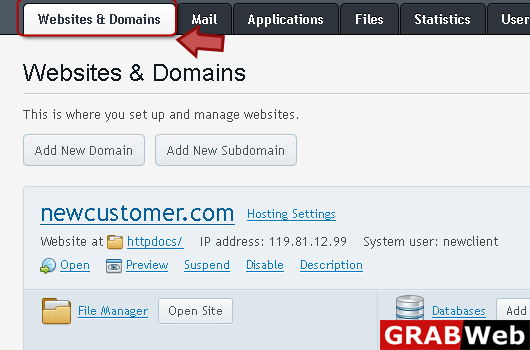
2) Click on "Website & Domains" at the left.
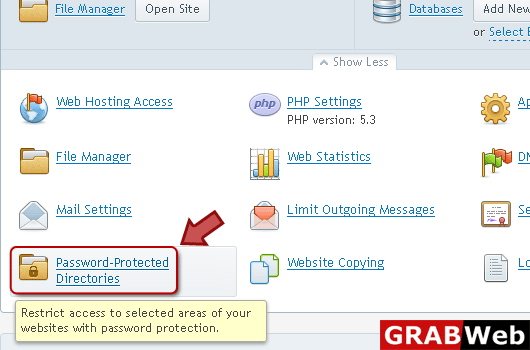
3) Click on Password Protected Directories as highlited.
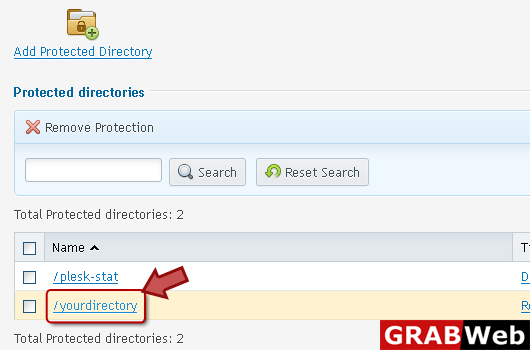
4) Click on directory name.
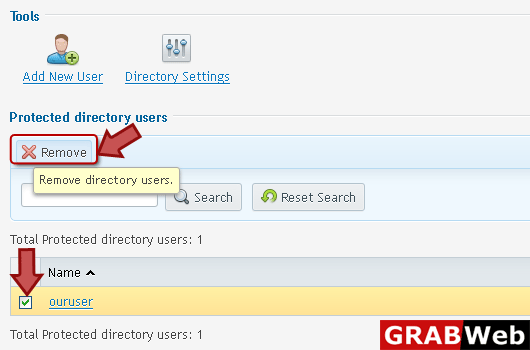
5) Select the user name who's permission you want to revoke.

6) Select the user then click on remove.