![GRABWEB [India]](/templates/lagom2/assets/img/logo/logo_big.1492388305.svg "GRABWEB [India]")
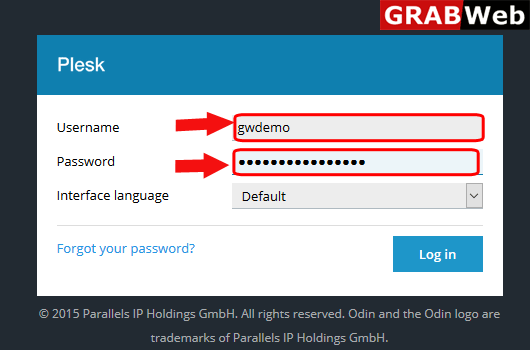
1)Login to Plesk control panel.
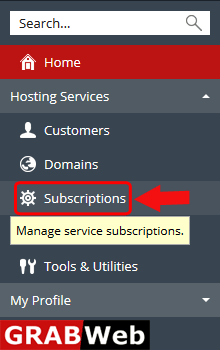
2)Click on subscriptions.
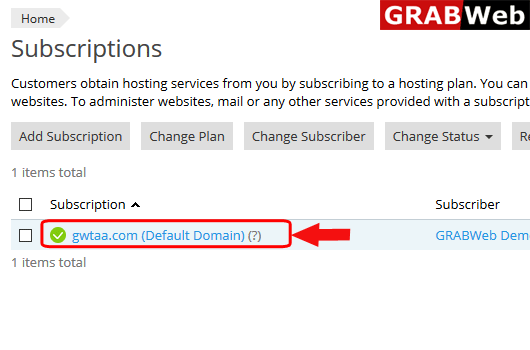
3)Click on Subscription name.
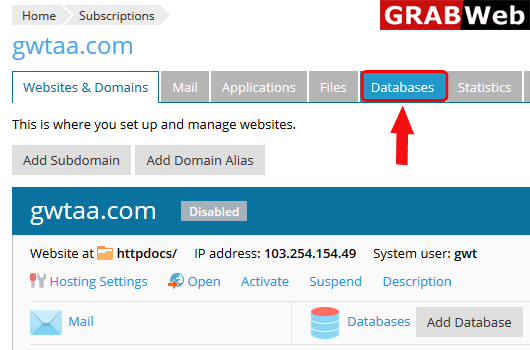
4)Click on Databases tab.
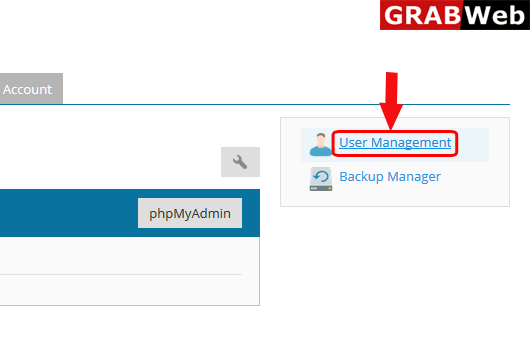
5)Click on User Management.
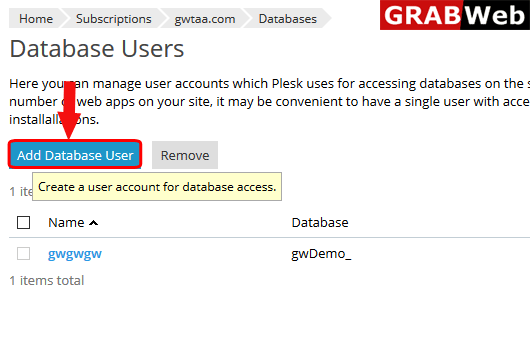
6)Click on Add Database User.
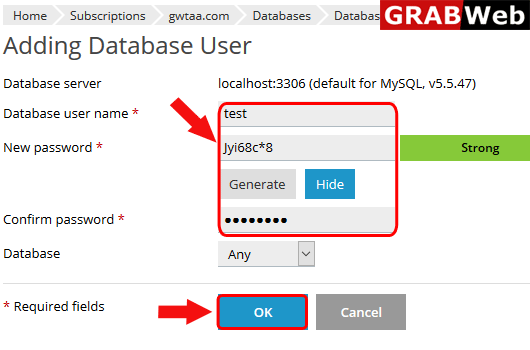
7)Enter the username and Generate the password.Then press ok.
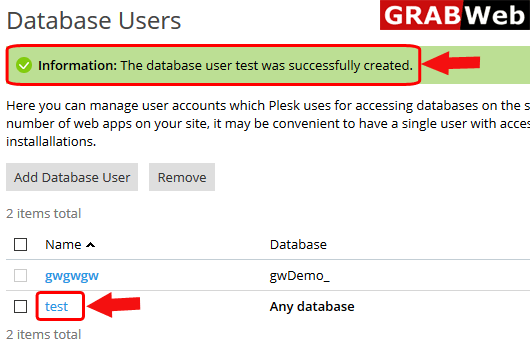
8)Here you can find the information that your database user was sucessfully created.