![GRABWEB [India]](/templates/lagom2/assets/img/logo/logo_big.1492388305.svg "GRABWEB [India]")
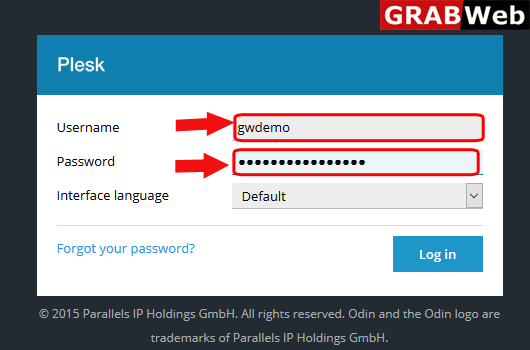
1)Login to Plesk control panel.
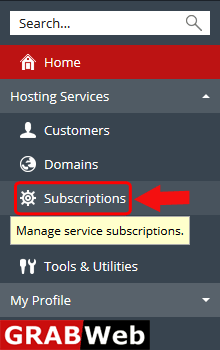
2)Click on Subscriptions.
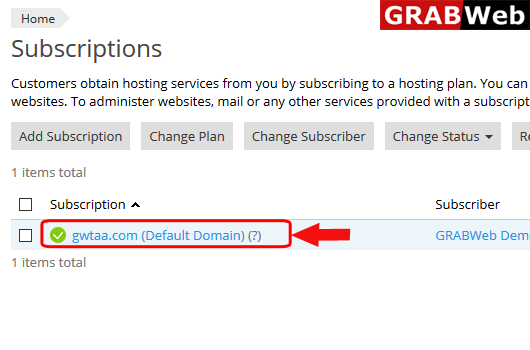
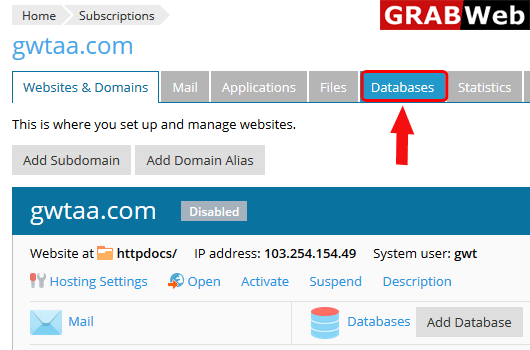
3)Click on subscription name.
4)Click on Database tab.
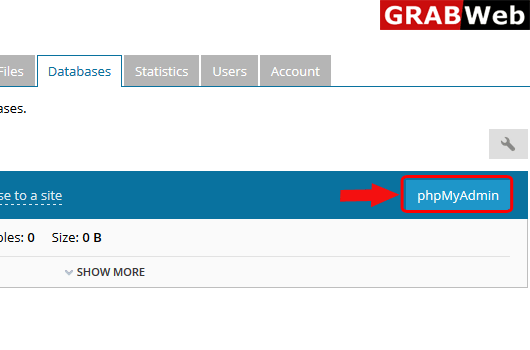
5)In front of your database name you will found a option of phpMyAdmin,click on that.
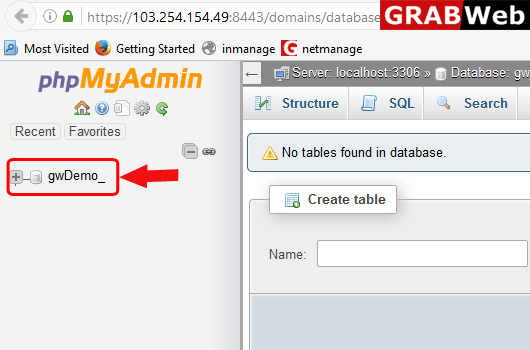
6)Here you can see in new popup window your database with phpMyAdmin is open.