![GRABWEB [India]](/templates/lagom2/assets/img/logo/logo_big.454175622.gif "GRABWEB [India]")
To view your website before pointng the name server, please follow the folowing steps :-
1) Log in to Plesk control Panel.
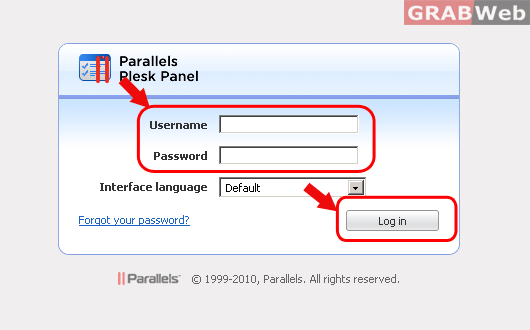
2) Click on "Domains" and then Click on "Control panel" in front of the domain whose files permession you want to change.


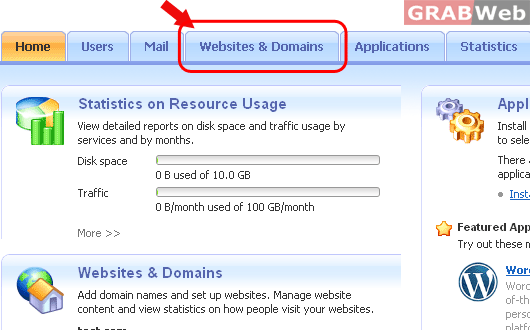
3) Click on "Websites and Domains".
4) Click on the icon " " located in front of the domain name at the bottom of the page, whose contents you want to preview.
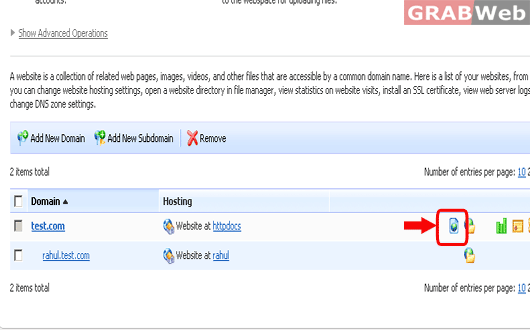
5) A new windows will pop up showing the site which you have uploaded under that domain.
