![GRABWEB [India]](/templates/lagom2/assets/img/logo/logo_big.454175622.gif "GRABWEB [India]")
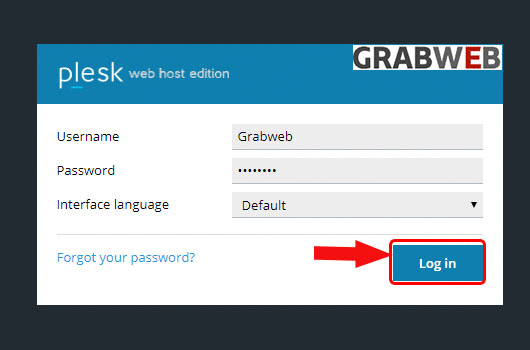
1. Login into Plesk panel.
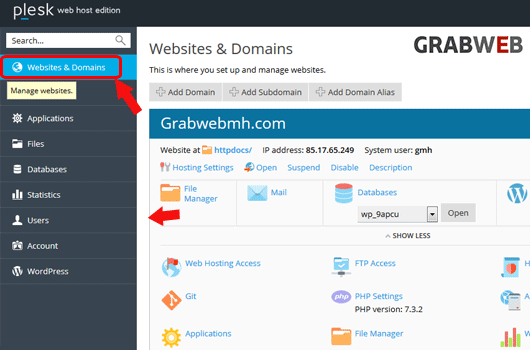
2. Click on the "Websites & Domains" tab as marked in the image.
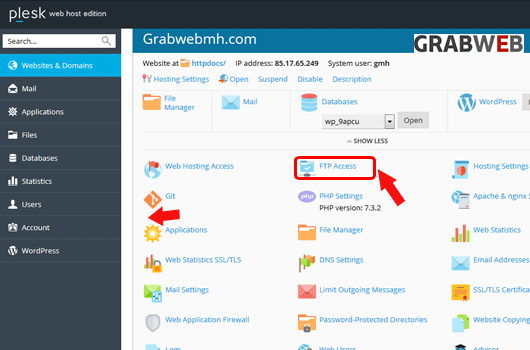
3. Click on the "FTP Access" button as marked in the image.
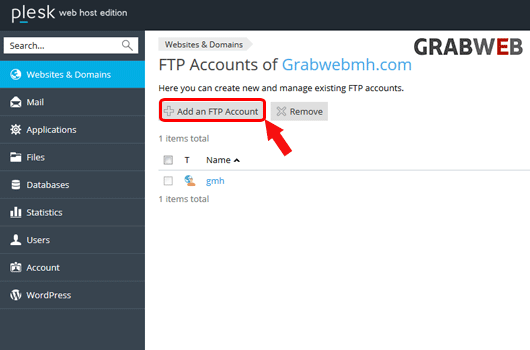
4. Click on the "Add an FTP account" button as marked in the image.
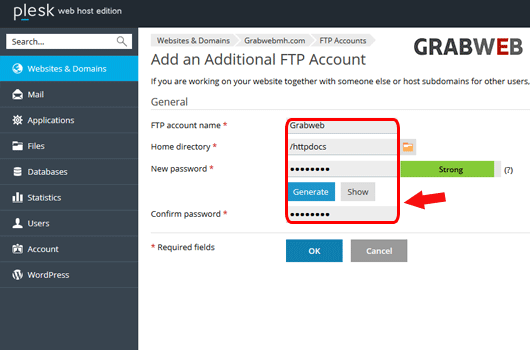
5. Enter the information as per your needs as marked in the image.
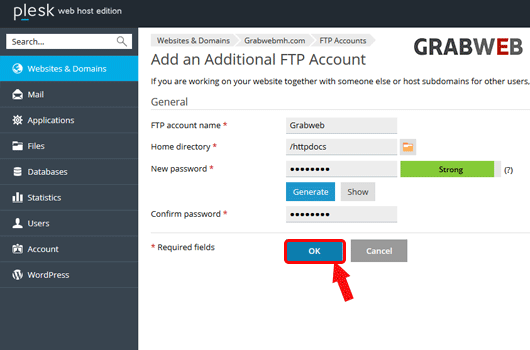
6. Select "Ok" to save the password.
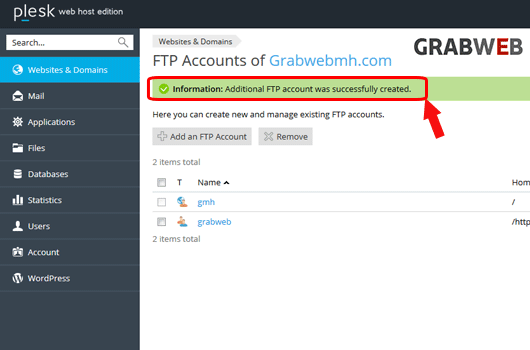
7. The user account created successfully as marked in the image.