![GRABWEB [India]](/templates/lagom2/assets/img/logo/logo_big.454175622.gif "GRABWEB [India]")
To make Plesk control panel's DNS server to act as a secondary name server please follow the following:-
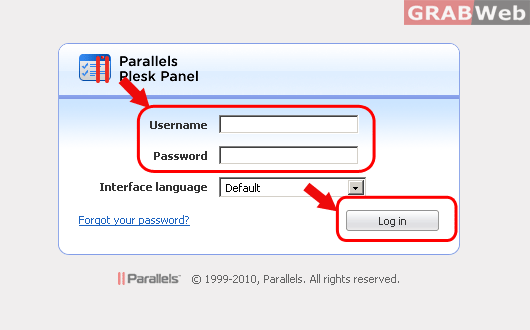
1) Login to Plesk control panel.
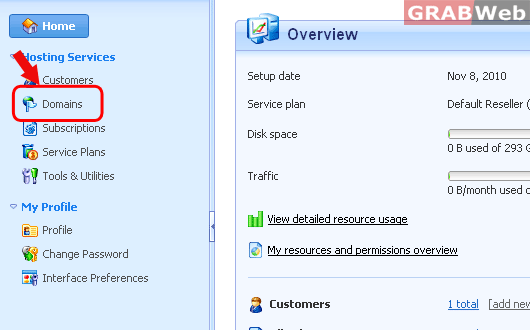
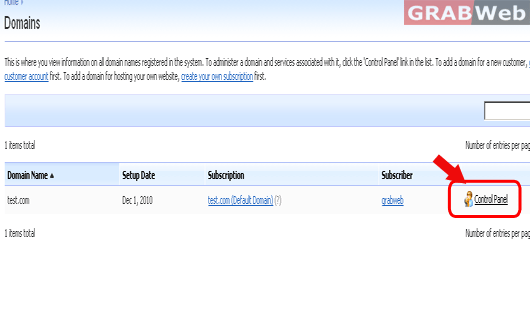
2) Click on "Domains" and then Click on "Control panel" in front of the domain whose files permession you want to change.
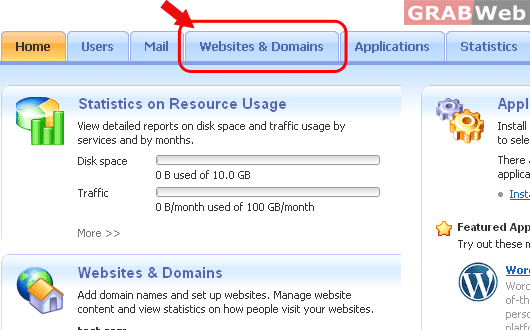
3) Click on "Websites and Domains".
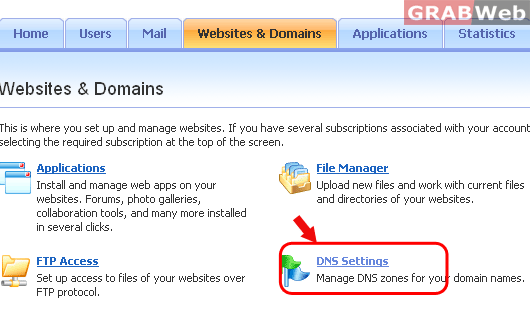
4) Click on "DNS Settings".
5) Click Switch DNS Service Mode.
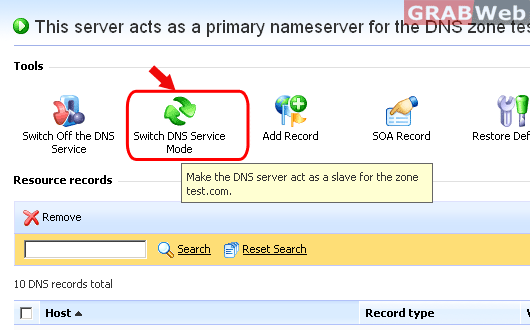
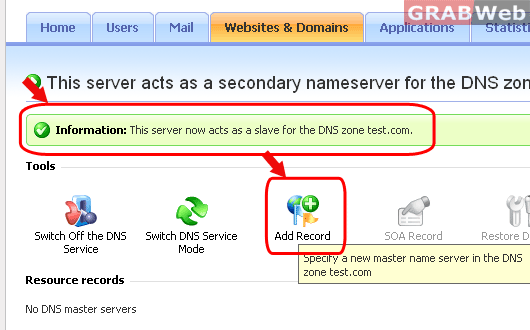
6) You will get a message above that this dns wil work as slave DNS. Click Add Record, specify the IP address of
the primary (master) DNS server, and click OK.