![GRABWEB [India]](/templates/lagom2/assets/img/logo/logo_big.454175622.gif "GRABWEB [India]")
- Login into Plesk Panel.

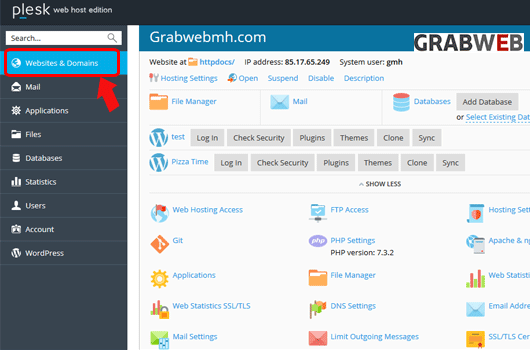
2. Click on the "Websites & Domains" tab as marked in the image.
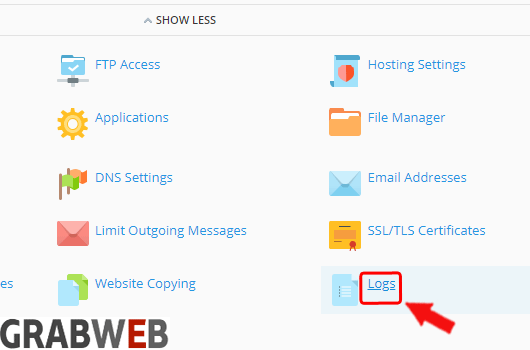
3. Select the "Logs" button as marked in the image.
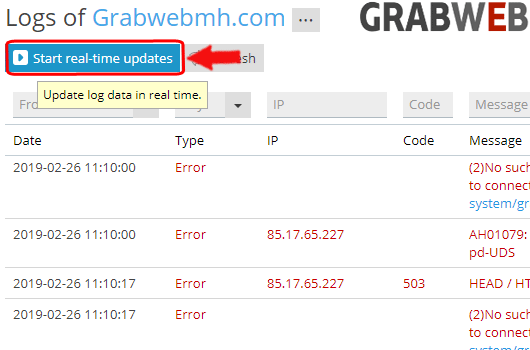
4. You can also check the Real-time logs by clicking on "Start real-time updates" button as marked in the image.