
To check the resource usage of the account please follow the following steps :-
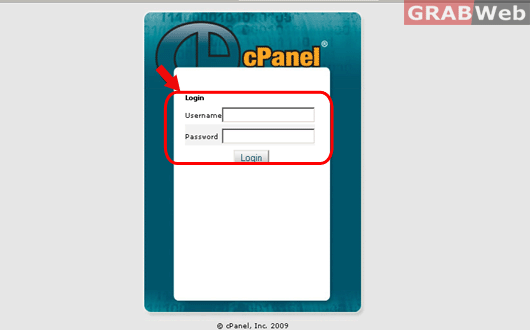
1) Login to cPanel.
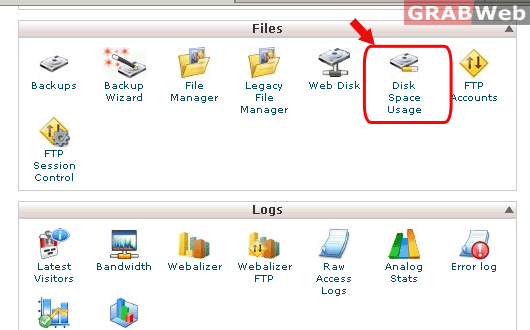
2) Click on "Disk space usuage" icon under files category.
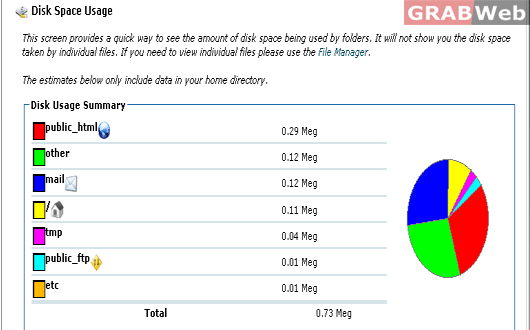
3) You will see the description of the disk space used for your account.
4) Click on "+Increase Depth" and it will show you the brief description of the disk space used by
various folder under your account.
