![GRABWEB [India]](/templates/lagom2/assets/img/logo/logo_big.1492388305.svg "GRABWEB [India]")
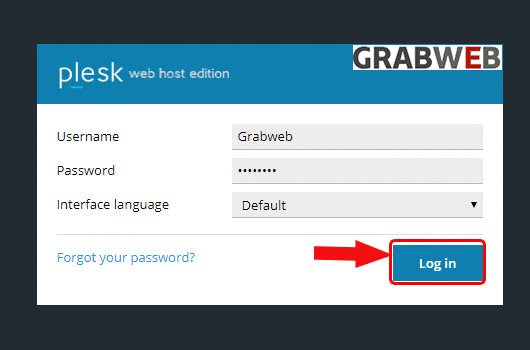
- Login into Plesk Panel.
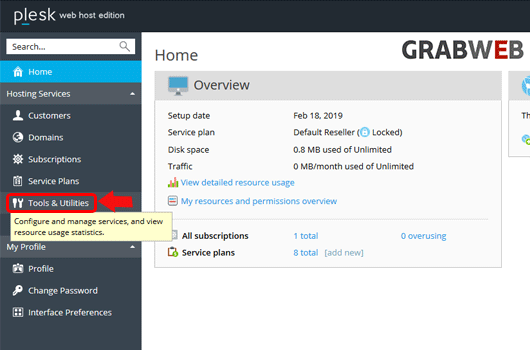
2. Click on the "Tools & Utilities" button ot the left side of the screen as marked in the image.
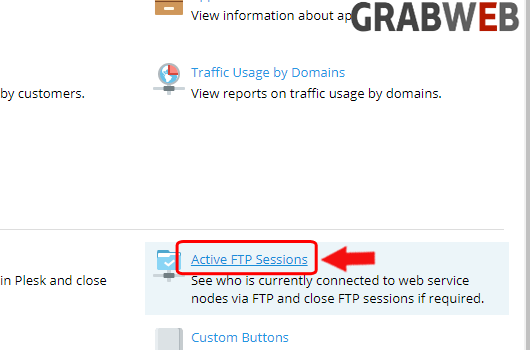
3. Select the "Active FTP Sessions" button at the right side of the screen as marked in the image.
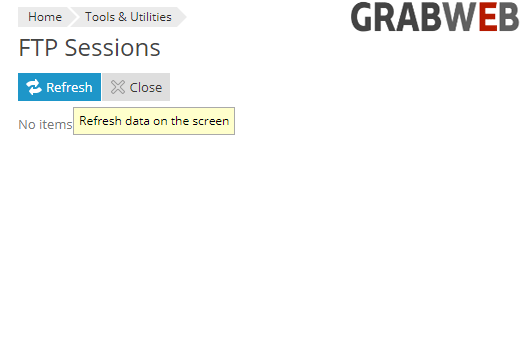
4. See who is currently connected to web service nodes via FTP and close FTP sessions if required. Currently No one is connected via FTP