![GRABWEB [India]](/templates/lagom2/assets/img/logo/logo_big.1492388305.svg "GRABWEB [India]")
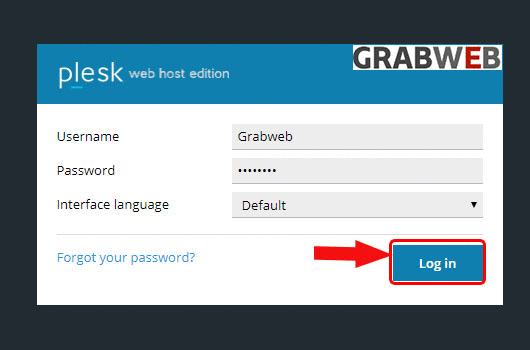
1. Login into Plesk Panel.
2. Click on the "Subscriptions" button on the left side of the screen as marked in the image.

3. Click the "Subscriptions Name" as marked in the image.

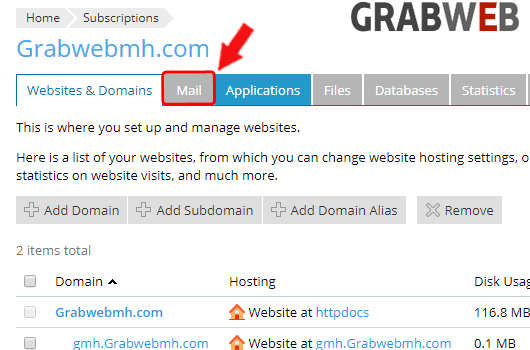
4. Click on the "Mail" tab as marked in the image.
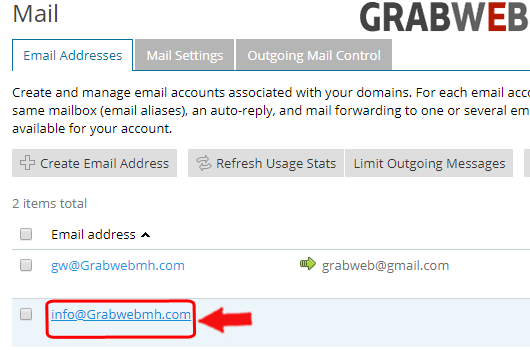
5. Click on the "Email Addresses" as marked in the image.
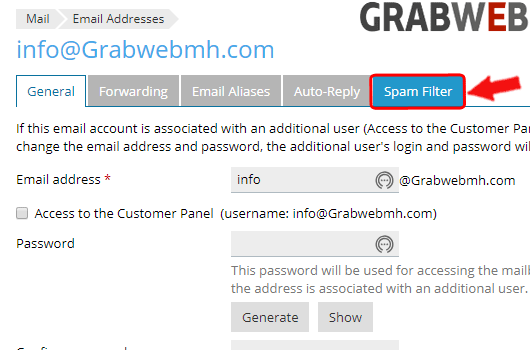
6. Click on "Spam Filter" tab as marked in image.
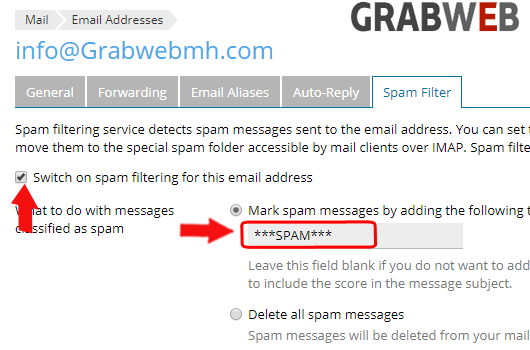
7. First switch on the spam filtering then enter the text which is used for marking the SPAM.
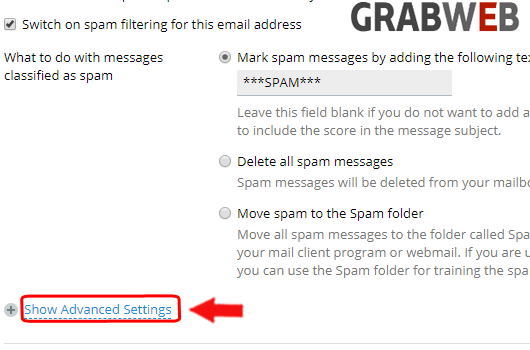
8. Select "Show Advanced Setiings" as marked in image.
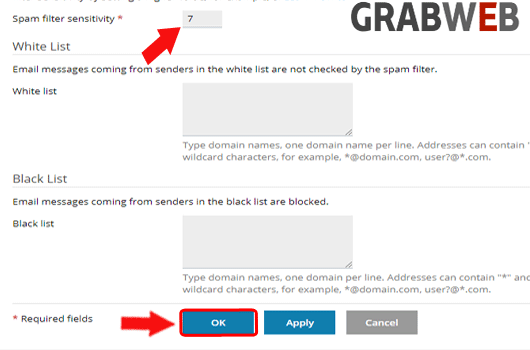
9. Here you can set the spam filter sensitivity on incoming emails and you can also whitelist the mail account & remove the blacklist mail accounts as marked in the image. Click Ok to save all changes.