![GRABWEB [India]](/templates/lagom2/assets/img/logo/logo_big.454175622.gif "GRABWEB [India]")
To copy or move files from Plesk please follow the following steps:-
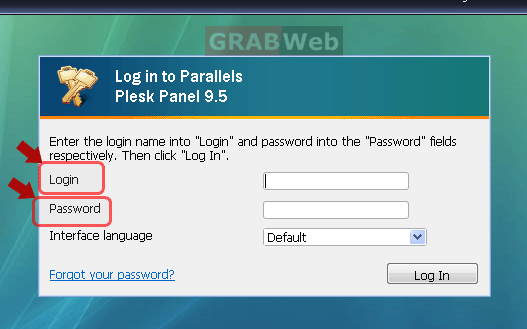
1) Login to Plesk control panel.
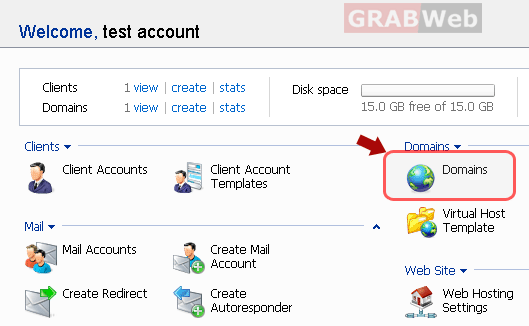
2) Click the "Domains" shortcut in the navigation panel.
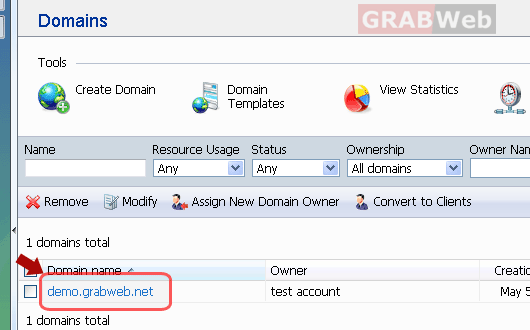
3) Click the required domain name in the list.
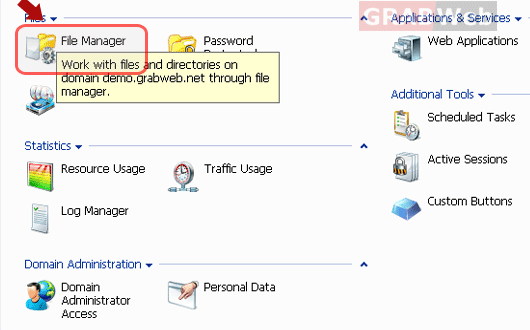
4) Click on "File Manager".
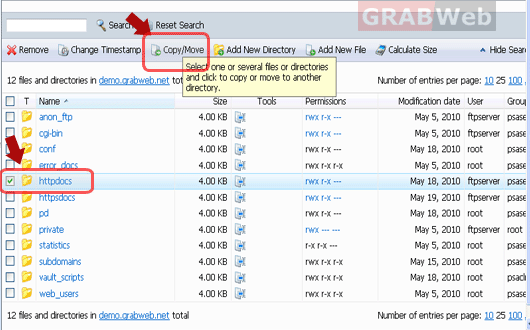
5) Select the file or directory which you want to move or copy. Click on copy/move
button once you have selected the file.
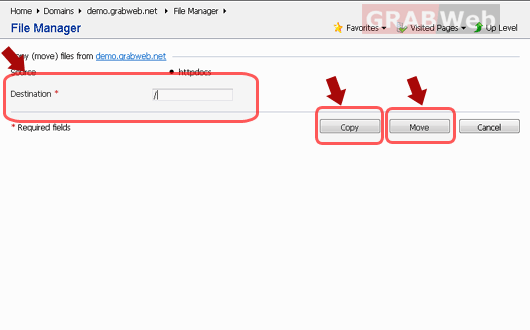
6) Select the destination where you want to move or copy that file. Click on "Copy" or
"Move" (which operation you want) once you have added the destination path.