![GRABWEB [India]](/templates/lagom2/assets/img/logo/logo_big.454175622.gif "GRABWEB [India]")
To check the IP address assigned under my account,Please follow the following steps :-
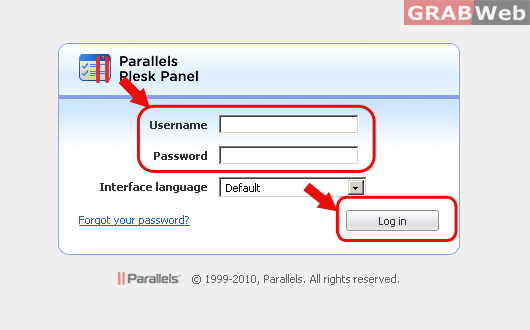
1) Login to Plesk control panel.
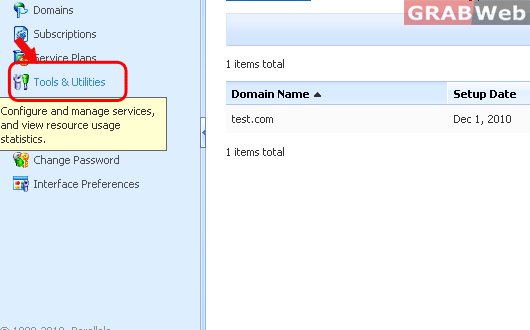
2) Click on "Tools and Utilities"
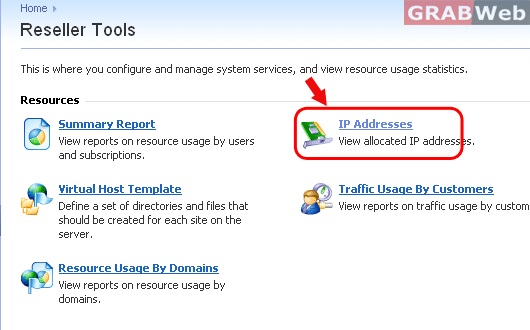
3) Click on "IP Addresses" and it willl show you the IP addresses assigned to your account.
To check the IP address assigned under my account,Please follow the following steps :-
1) Login to Plesk control panel.
2) Click on "Tools and Utilities"
3) Click on "IP Addresses" and it willl show you the IP addresses assigned to your account.
To add a service plan under my account ,please follow the following steps :- 1) Login to Plesk...
With add-on plans we can extend the amount of resources and services provided with a certain...
Subscription is an instance of service plan assigned to a customer. To provide a particular...
