To Enable Auto reply, please follow the following steps :-
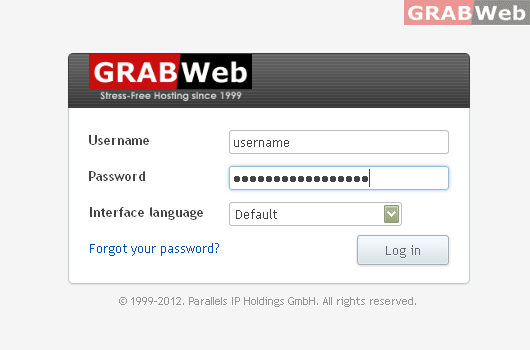
1) Login to Plesk Control Panel.
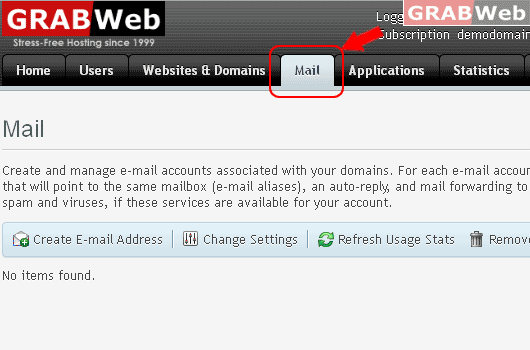
2) Click on "Mail Tab"
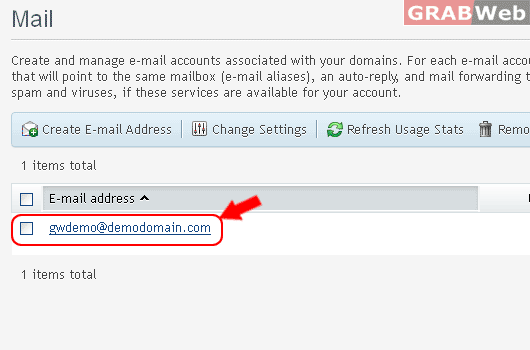
3) Click on "E-mail Address".
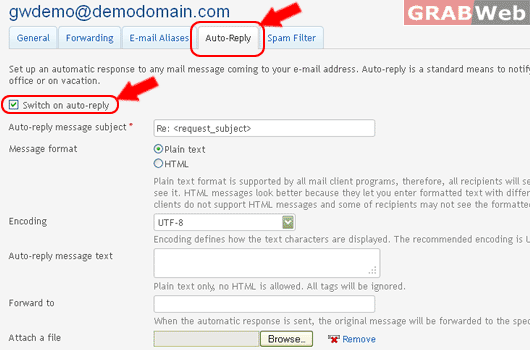
4) Click on "Auto-Reply Tab" and Click Check box "Switch on auto-reply"
6) Click Ok.
![GRABWEB [India]](/templates/lagom2/assets/img/logo/logo_big.454175622.gif "GRABWEB [India]")
To Enable Auto reply, please follow the following steps :-
1) Login to Plesk Control Panel.
2) Click on "Mail Tab"
3) Click on "E-mail Address".
4) Click on "Auto-Reply Tab" and Click Check box "Switch on auto-reply"
6) Click Ok.
E-mail aliases are alternative e-mail addresses associated with a primary e-mail address. All...
To change the password of your email address from Plesk control panel:- 1) Log in to Plesk...
To Change Webmail Horde Interface, please follow the following steps :- 1) Login to Plesk...
To Create E-mail Address, please follow the following steps :- 1) Login to Plesk Control Panel....
To Enable Auto reply, please follow the following steps :- 1) Login to Plesk Control Panel....
