To Check Users and Users Roles, please follow the following settings:-
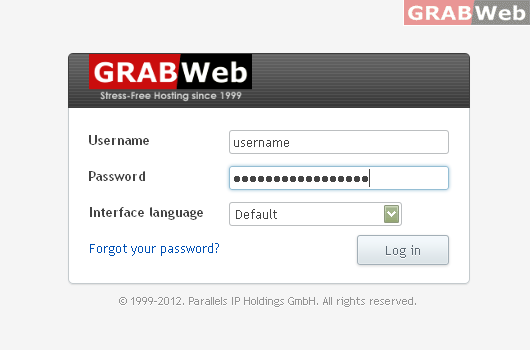
1) Login to Plesk control panel.
2) Click on "Users Tab".
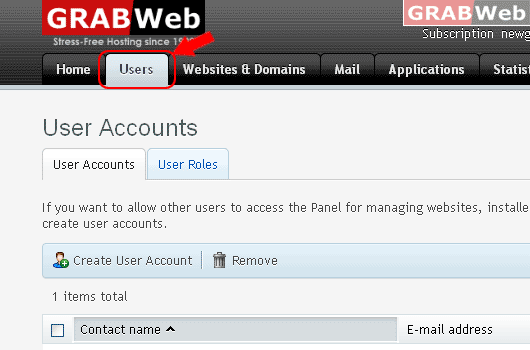
3) Click on "User Accounts Tab"

4) Click on "User Roles Tab"

![GRABWEB [India]](/templates/lagom2/assets/img/logo/logo_big.1492388305.svg "GRABWEB [India]")
To Check Users and Users Roles, please follow the following settings:-
1) Login to Plesk control panel.
2) Click on "Users Tab".
3) Click on "User Accounts Tab"
4) Click on "User Roles Tab"
To Active User Account from Inactive Status, please follow the following settings:- 1) Login to...
To Change User Account Role, please follow the following settings:- 1) Login to Plesk control...
To Change User Account Role Permissions, please follow the following settings:- 1) Login to...
To Create User Accounts, please follow the following settings:- 1) Login to Plesk control panel....
To Create User Roles, please follow the following settings:- 1) Login to Plesk control panel....
