![GRABWEB [India]](/templates/lagom2/assets/img/logo/logo_big.454175622.gif "GRABWEB [India]")
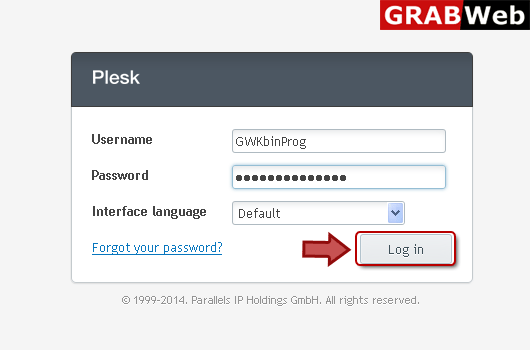
1) Login in to your Plesk Control Panel.
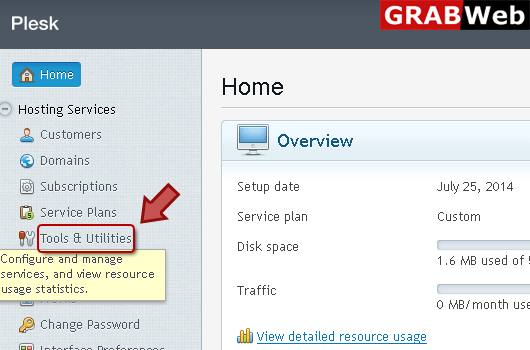
2) Click "Tools and Utilities" at the left.
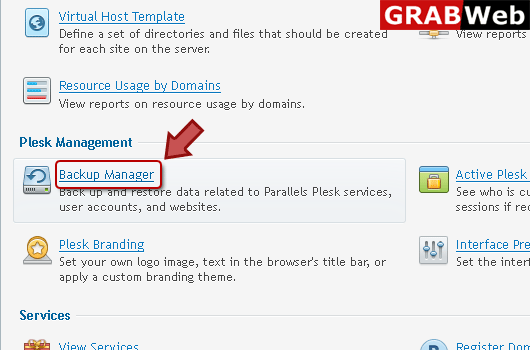
3) Click "Backup Manager" marked in red box.
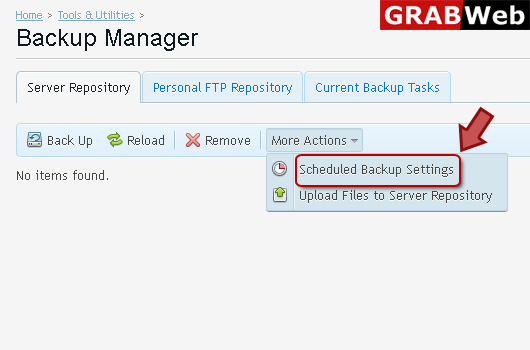
4) Click "More Action" then "Scheduled Backup Settings" as marked in red box.
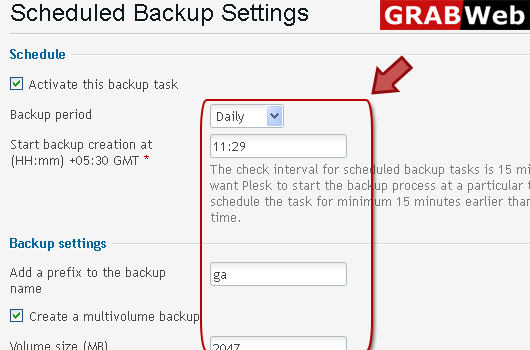
5) Enter information according to your scheduling in Red marked box.
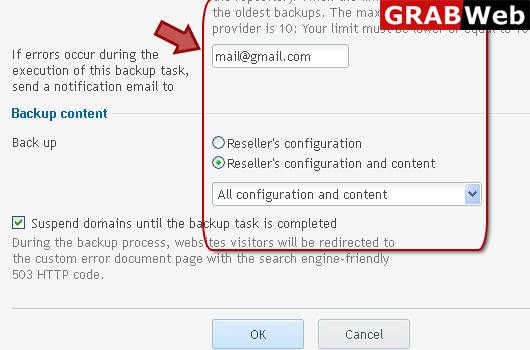
6) click OK.
