![GRABWEB [India]](/templates/lagom2/assets/img/logo/logo_big.454175622.gif "GRABWEB [India]")
Set your own logo image, text in the browser's title bar :
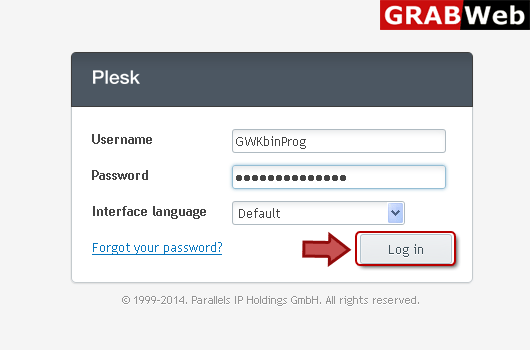
1) Login in to your Plesk Control Panel.
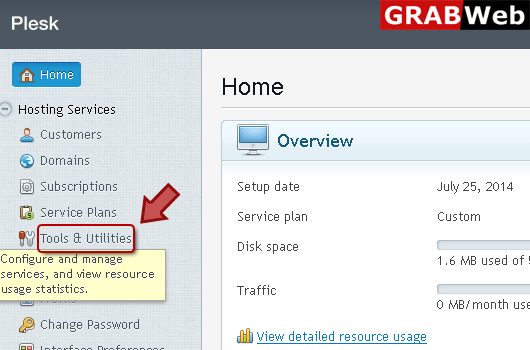
2) Click "Tools and Utilities" at the left.
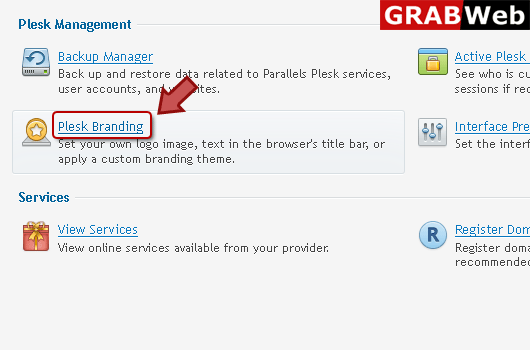
3) Click "Plesk Branding" at th left.
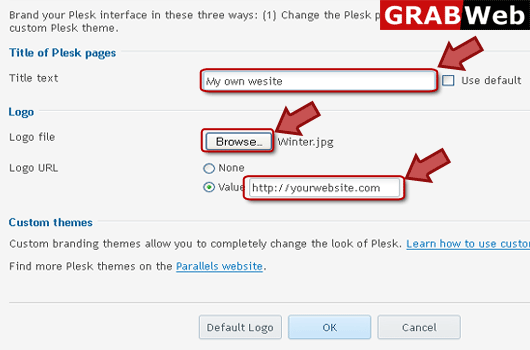
4) Enter information in Red marked box then click ok.
NOTE:
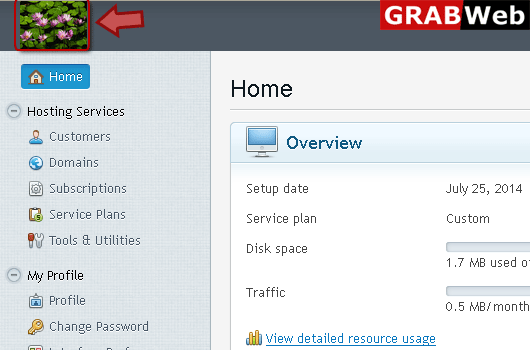
The logo in the top left corner. Upload your own logo and your customers will see this instead of the original Plesk logo in the Control Panel. Use a GIF, JPEG, or PNG file for your logo, preferably not larger than 100 kilobytes to minimize the download time. To ensure that your logo will fit into the top area, we recommend that you use an image 50 pixels in height.
The URL to which the logo points. Make your logo a clickable link that points to your company's website to let your customers easily open the website any time they are in the Control Panel.
The pages title. Let your customers see your company name or other relevant text in their browsers' title bars when they work in the Control Panel.
5) Here is your image at the top left.