![GRABWEB [India]](/templates/lagom2/assets/img/logo/logo_big.454175622.gif "GRABWEB [India]")
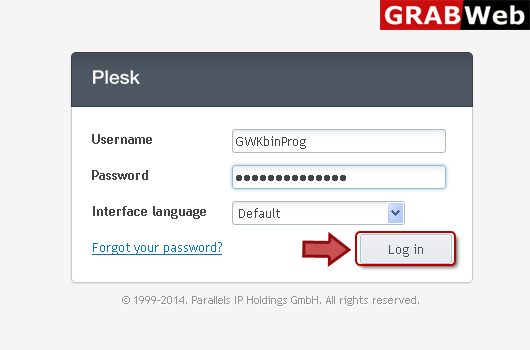
1) Login in to your Plesk Control Panel.
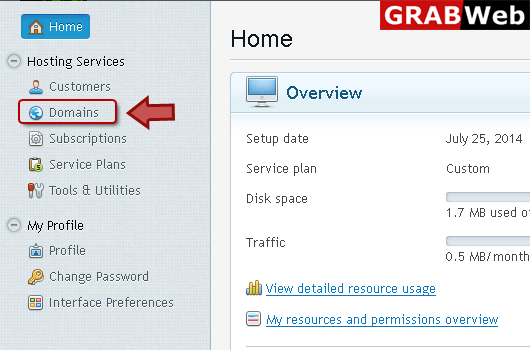
2) Click "Domains" at the left.
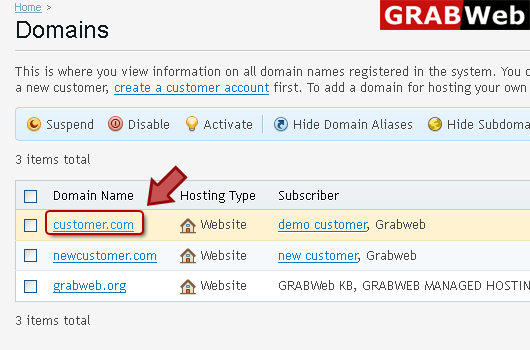
3) Click on domain for which you want to add mail account.
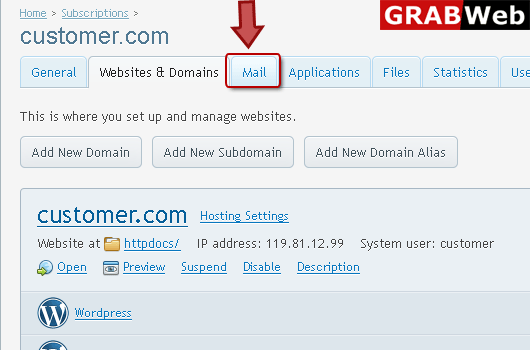
4) Click "mail" tab as marked in red.
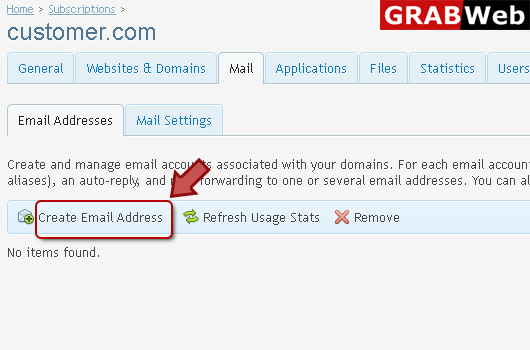
5) Click on "Create Email Address" at the left.
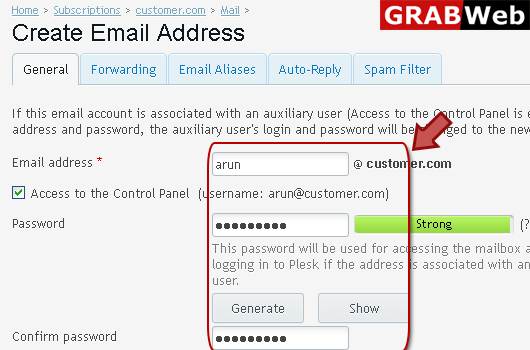
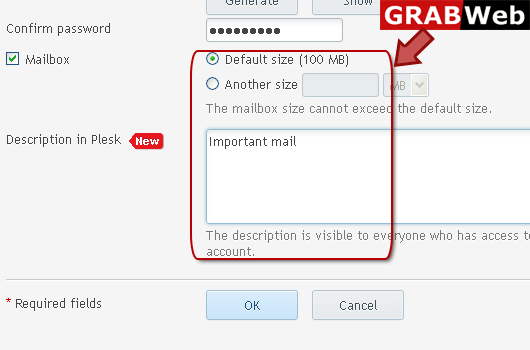
6) Enter your information in red marked box then click ok.
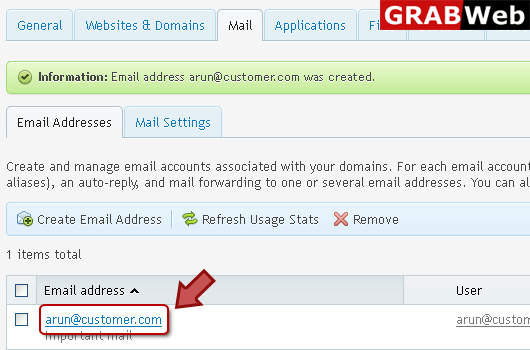
7) Here is your mail account is created .